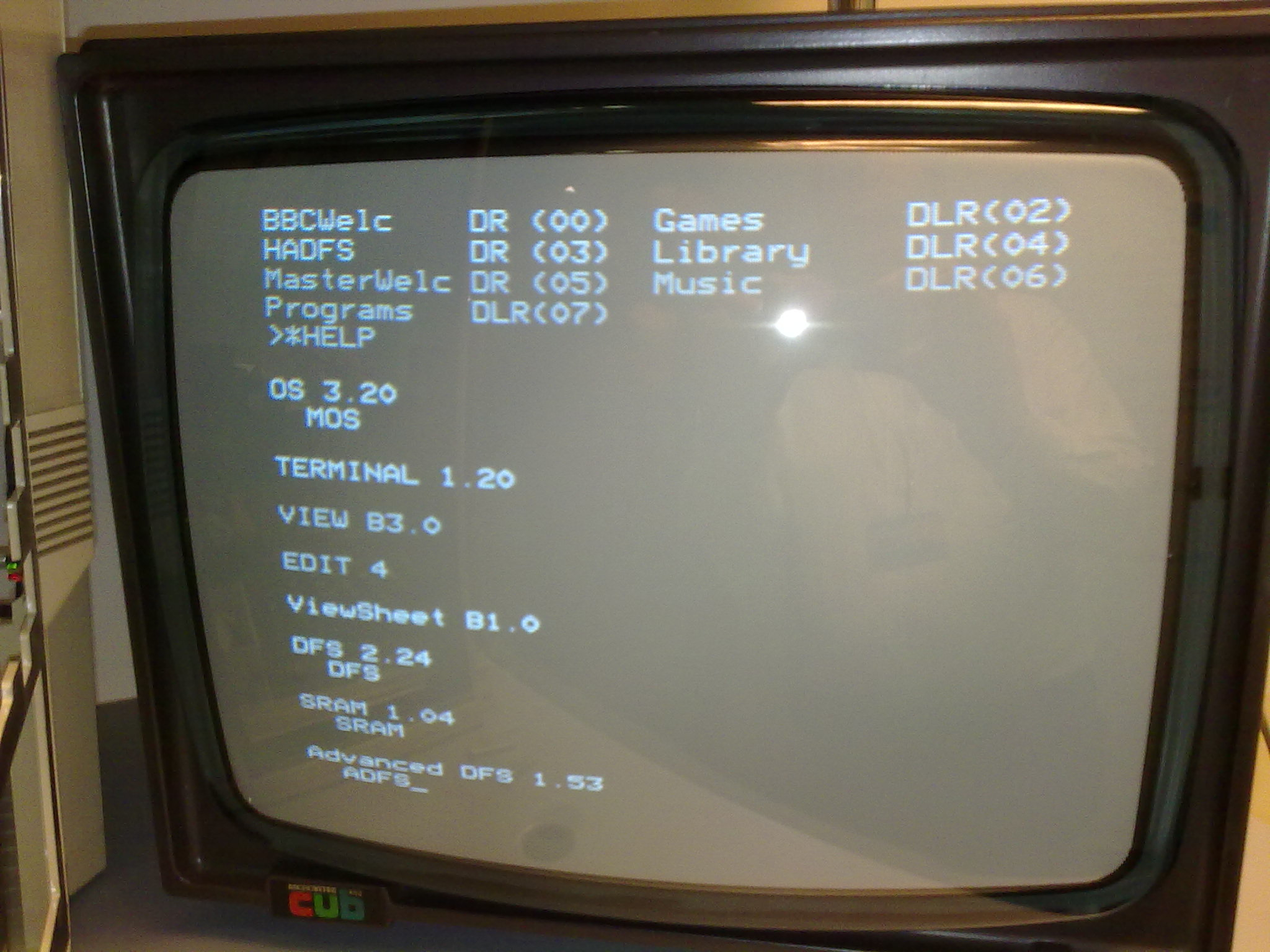
BBC Micro Data Recovery#
In 2007, we were given a set of fifteen 5¼’ floppy disks from a BBC Master, and asked if we could recover the data and make it usable. We were told that the disks were expected to contain a catalogue of local historical material, collected as part of an oral history project involving schools in and around Melbourne (Australia). That project started in 1982, building up to the creation of a larger, combined database compiled in 1985-87, and built using Acornsoft ViewStore (you can find a scan of the manuals for ViewStore in this list)
Eventually, in 2009, we had the time and the opportunity to spend time working how to access this data, and this document covers what we learned as we did so.
The Hardware#
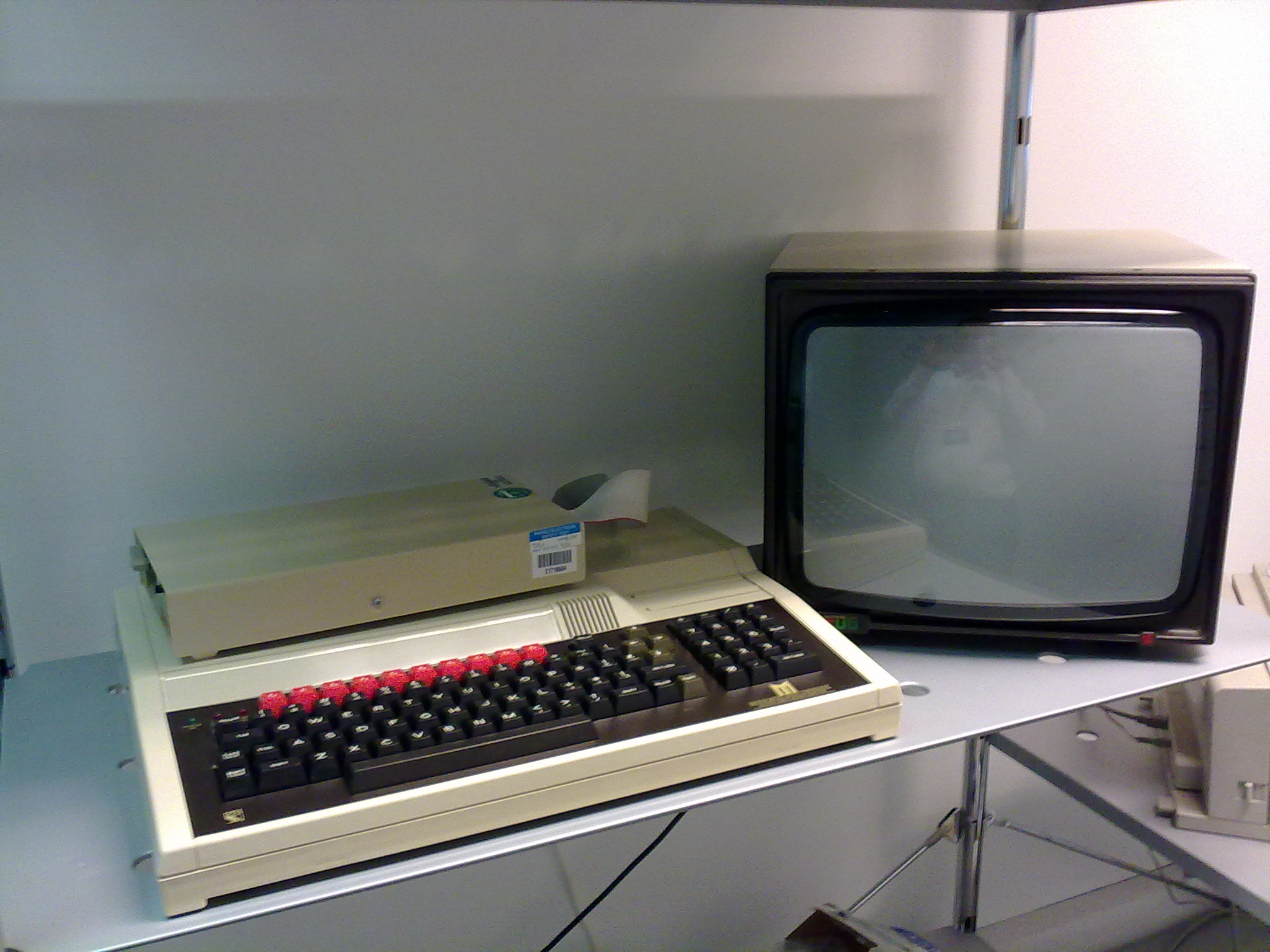
Fig. 2 BBC Master, with floppy drive and screen.#
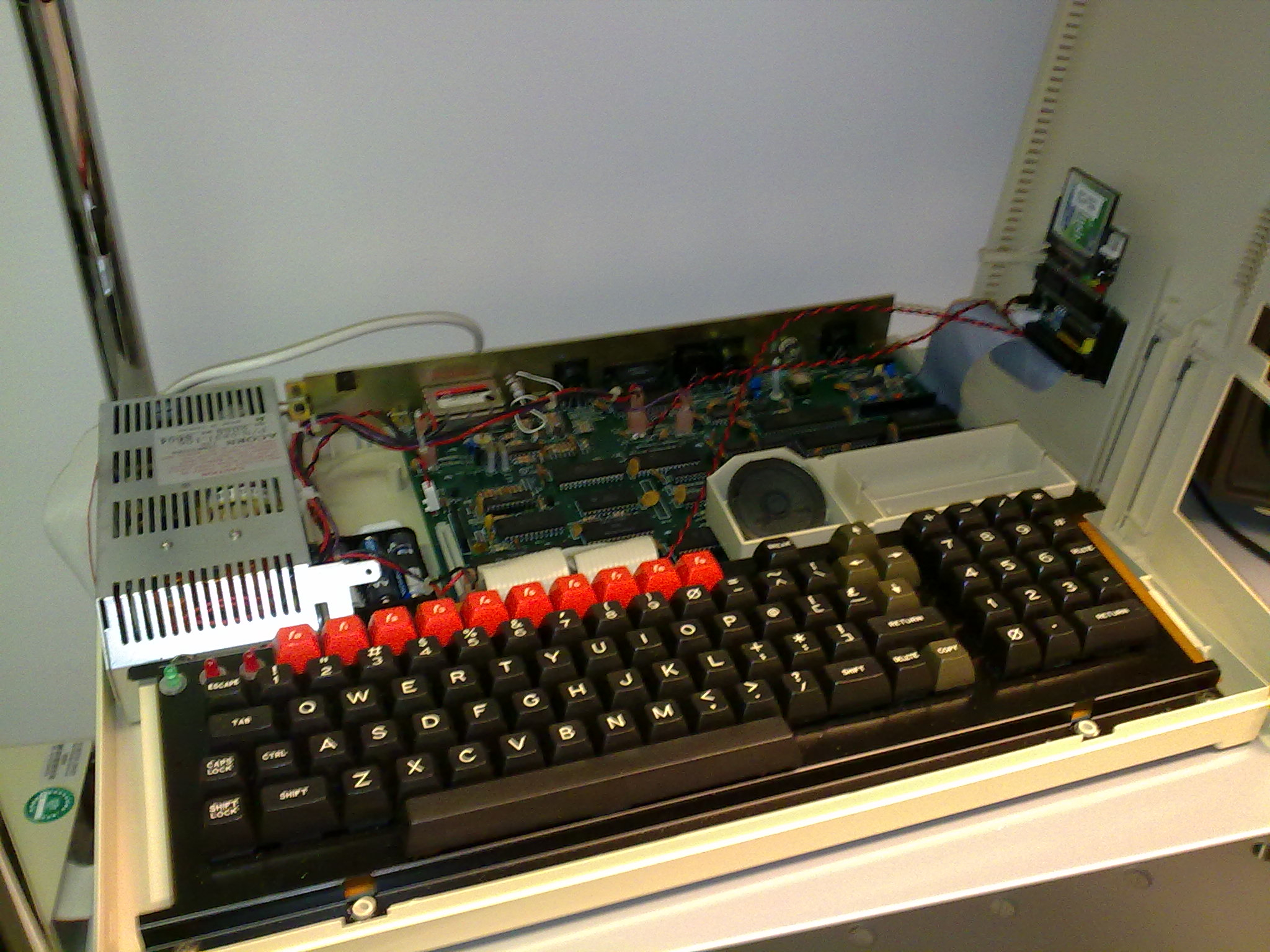
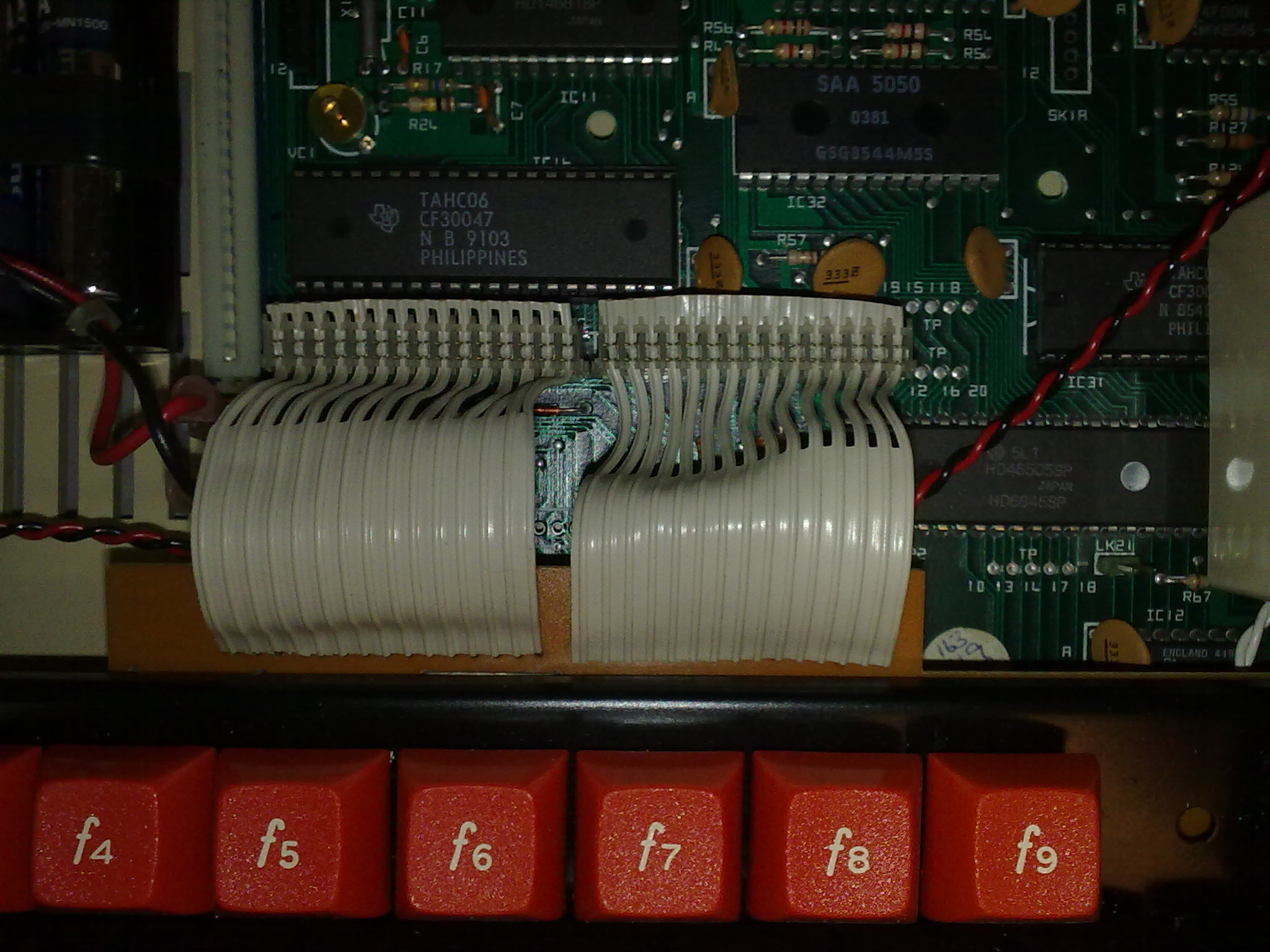
We already had a special BBC Master that had been fitted this with clever CompactFlash drive kit, which we had previously purchased for the purposes of just this kind of experimentation. This device allows a relatively modern media type to be accessed on the BBC as if it were an 1MHz IDE a hard disk.
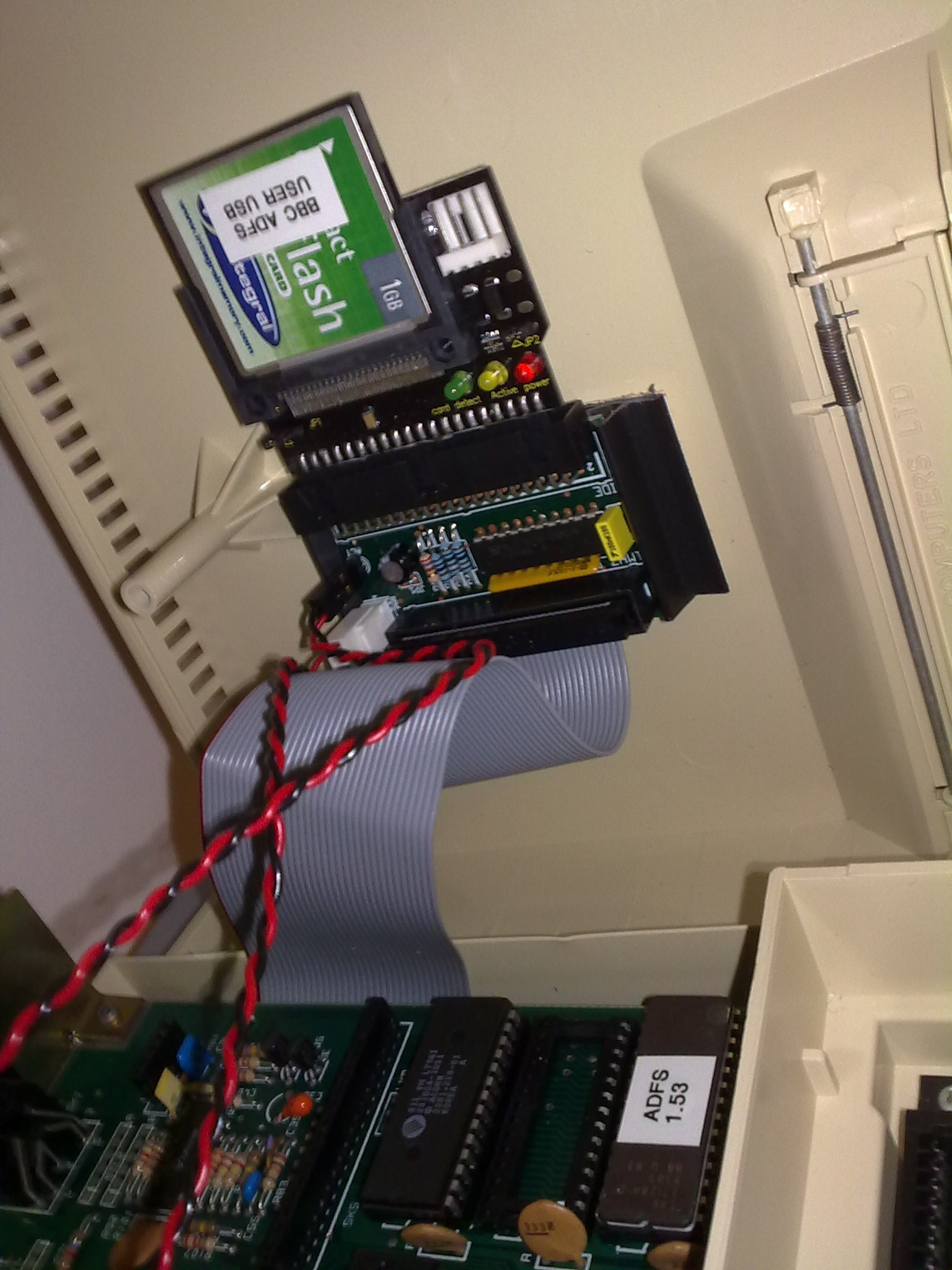
Fig. 3 The nifty 1MHz IDE kit, mounted inside the BBC Master.#
Once data has been written to the flash drive, it can be can be physically transferred to a modern PC and accessed via a standard CompactFlash reader. This provided a complete chain of hardware, making the transfer possible, at least in principle.
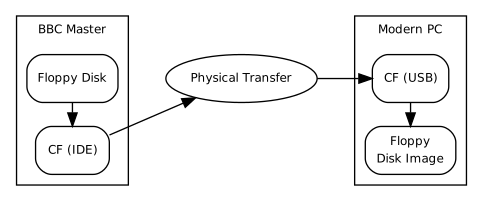
Fig. 4 BBC Workflow - Level 1.#
The whole story turned out to be far more complex.
Floppy Disk Imaging#
Clearly, we wanted to minimise how hard we worked the disks we’d been given, and so we aimed to clone the contents of each disk as a complete disk image in a one-off process, rather than access the data on the disks directly. Unfortunately, we had no idea how to make the BBC create an image a floppy disk.
Eventually, after a lot of internet searches and reading around, we discovered a BBC BASIC program called BACKUP had already been written for this purpose. In fact, a appeared that version of BACKUP was supplied on the CompactFlash disk that came with the IDE kit, and it seemed to be an even more recent version (1.23) that the latest version available on the web (1.20).
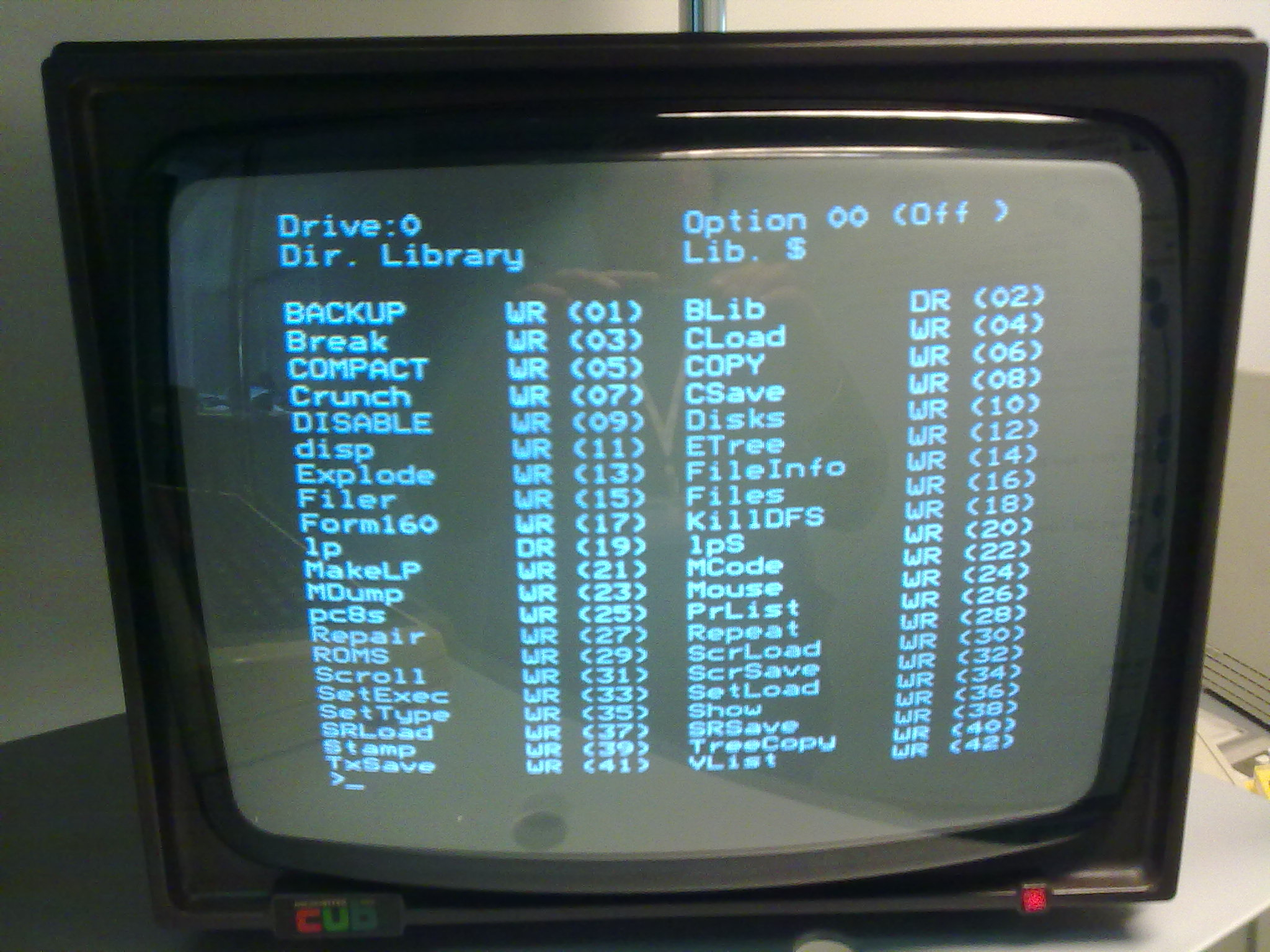
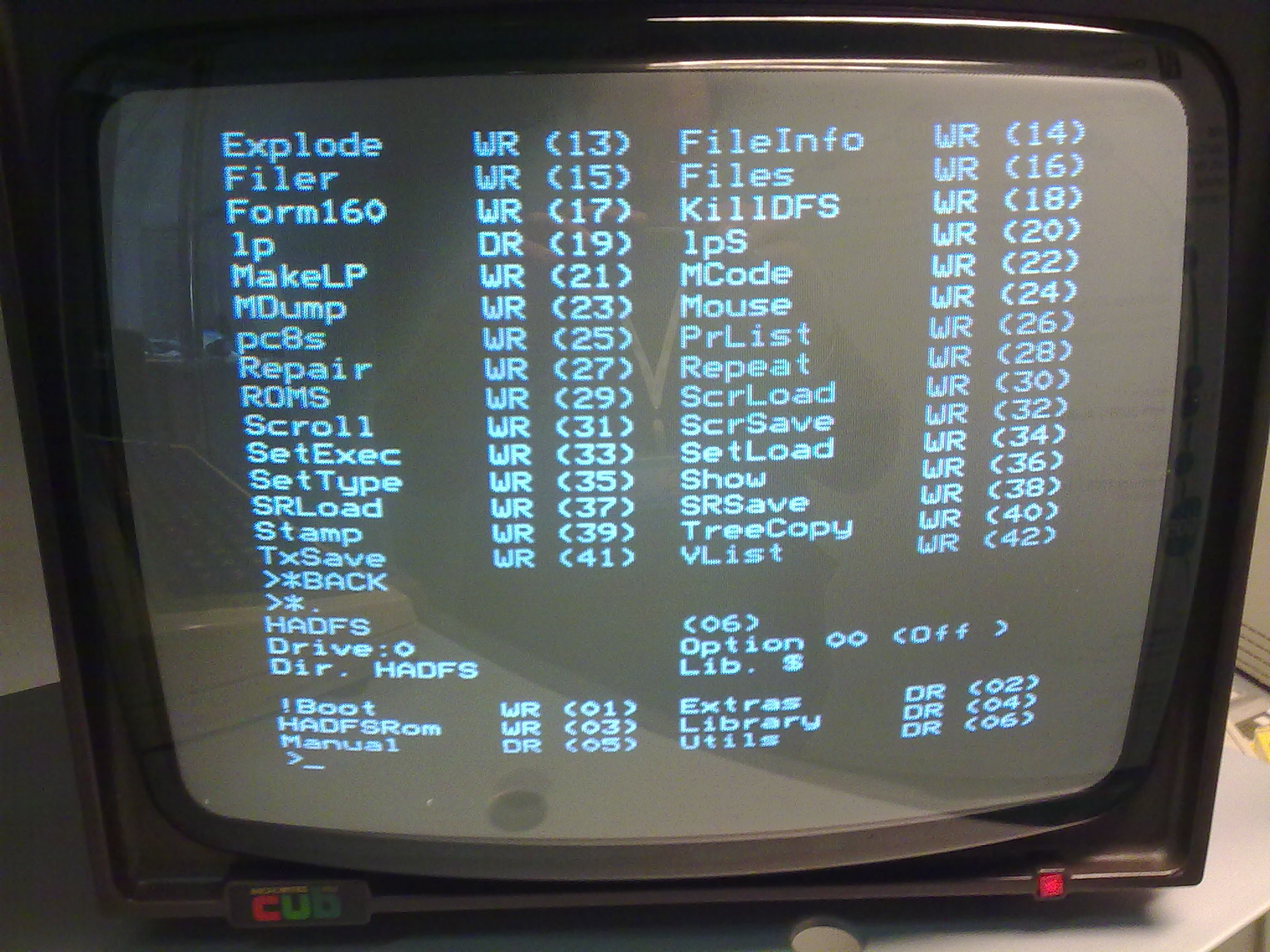
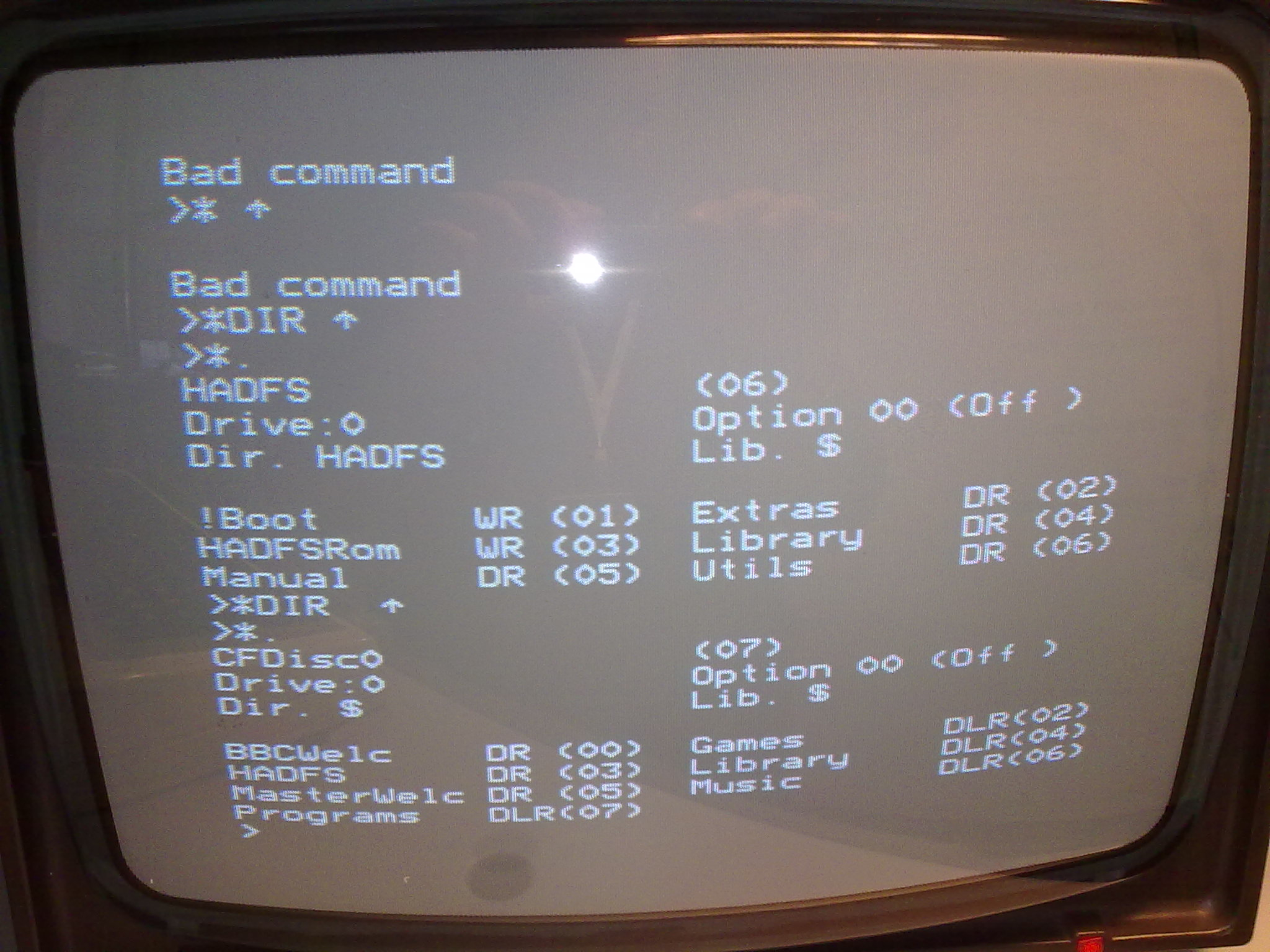
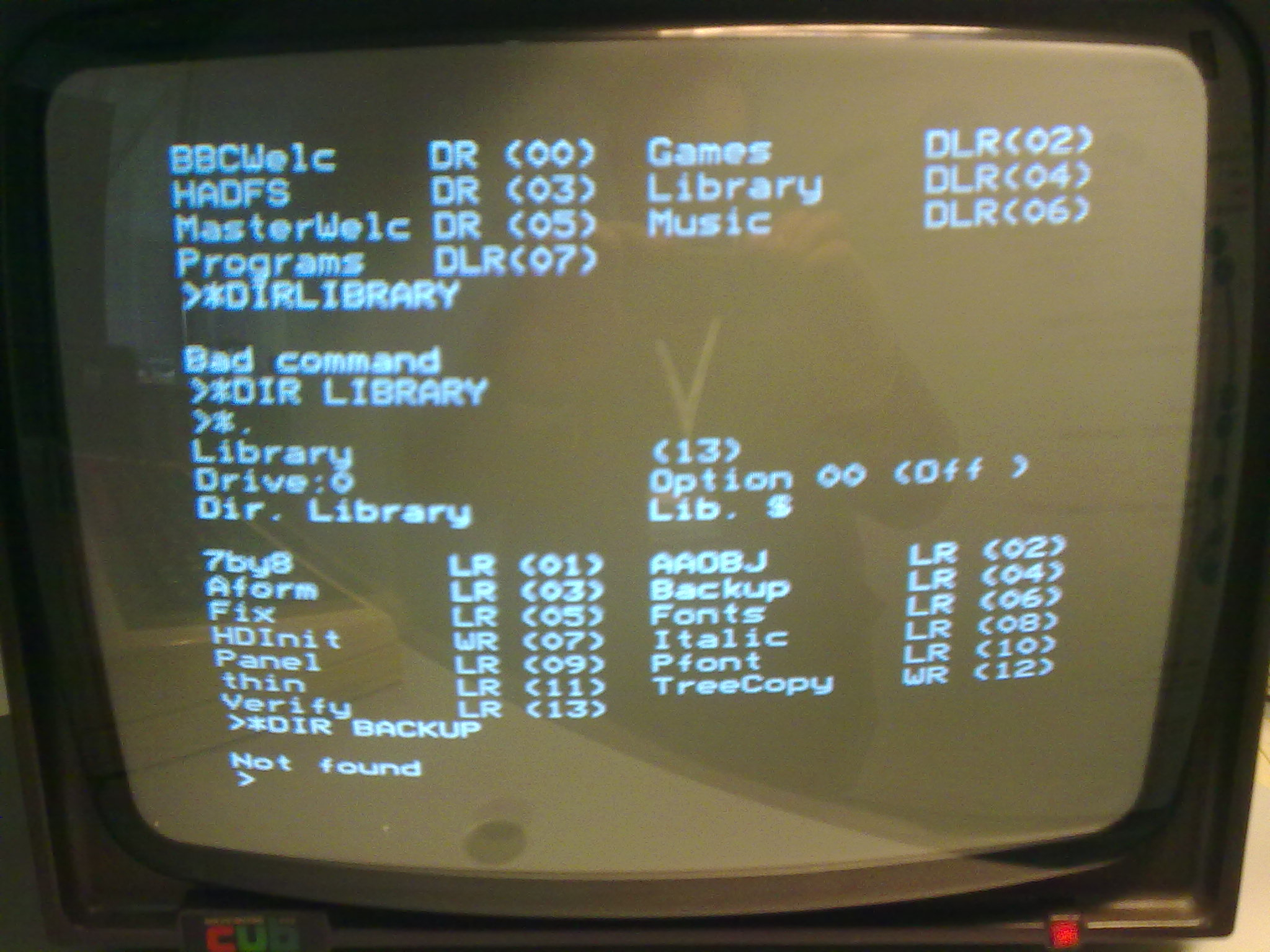
Even then, it wasn’t clear how to actually get things working. However, the BBC Micro was one of the first machine I learned on, and I continued to use it’s descendants (the Archimedes, the A3000 and the Risc PC) all the way into my early twenties (in the late 1990’s). Many traces of the old DFS and AFDS operating systems can be found in those later machines, and so by combining my ageing memory with some more judicious Googling I was able to start to start exploring the contents of the internal hard disk, and running some of the software.
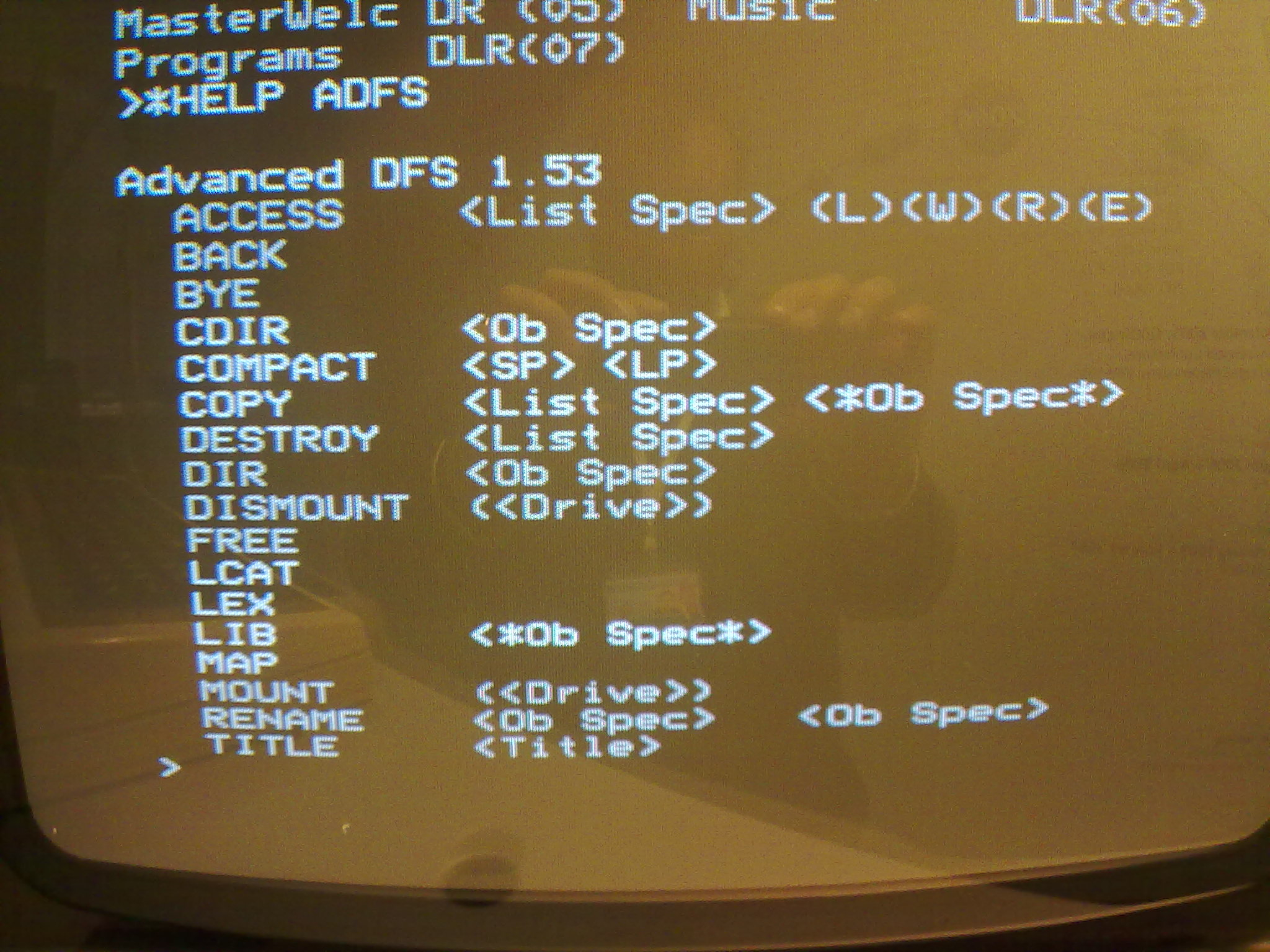
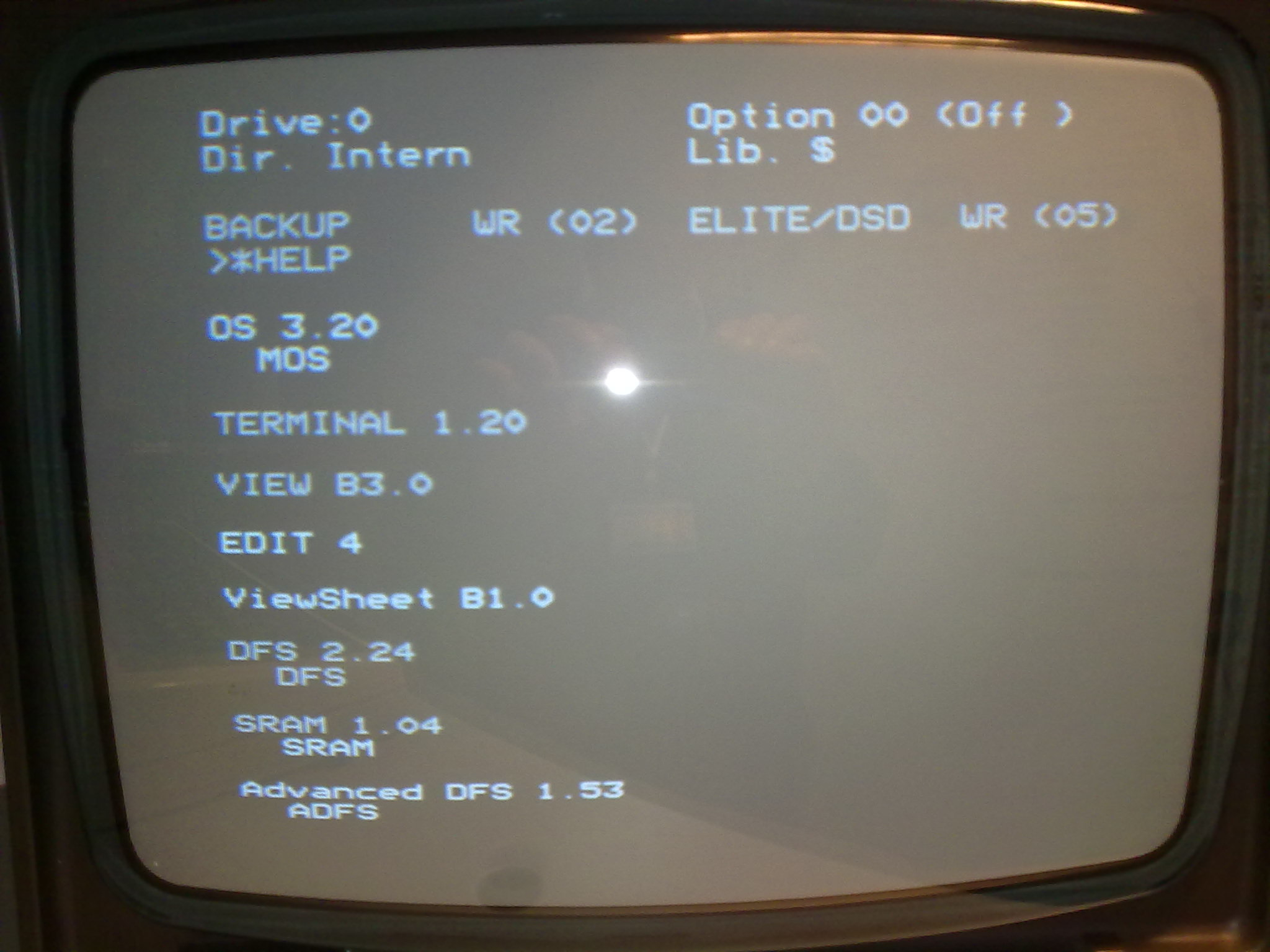
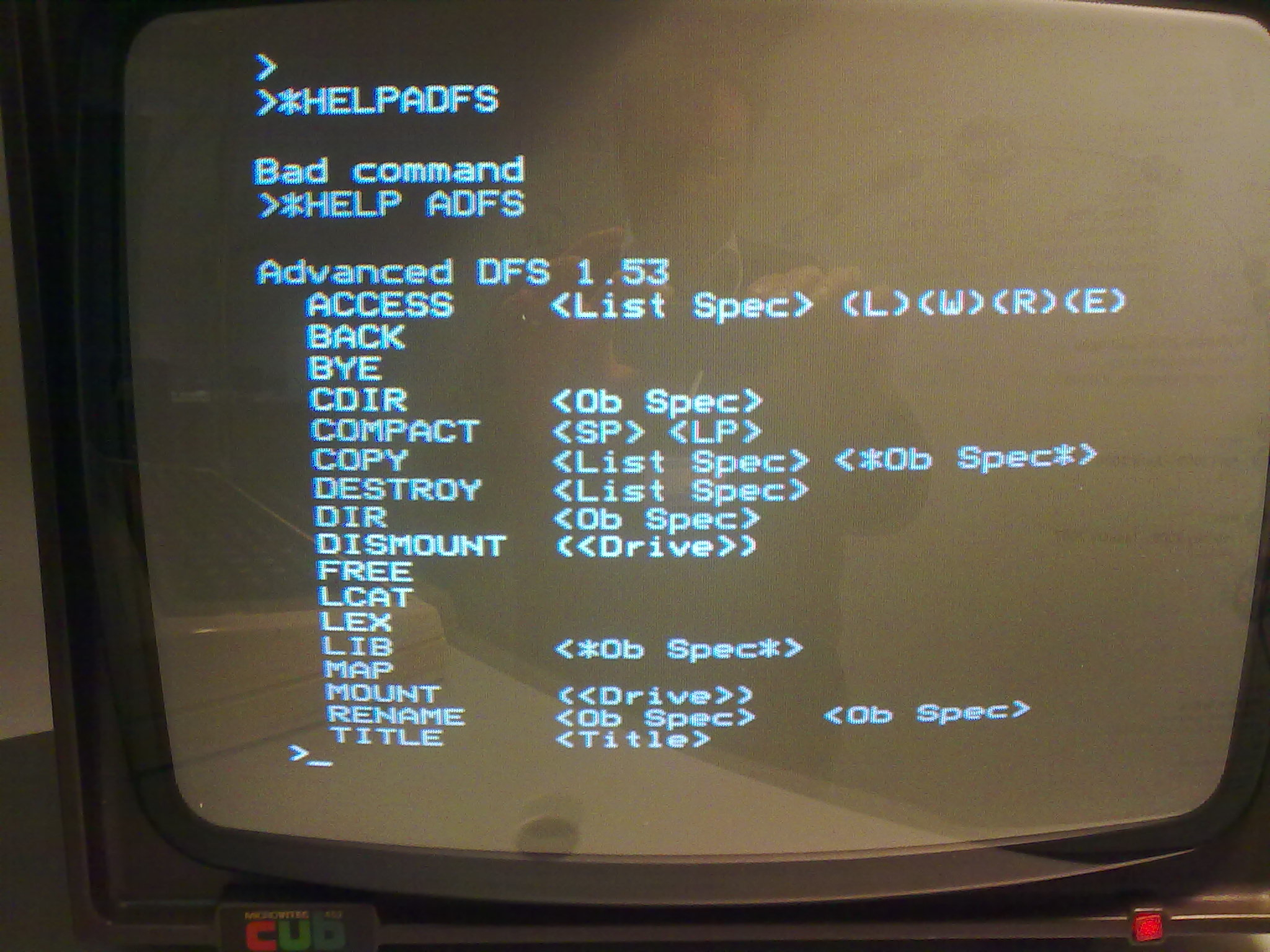
While working out how basic file system commands worked, it also became clear that our BBC Master came equipped with at least two operating system ROMs: both DFS and ADFS were present in this machine. After more racking of brains and a lot of trial and error, we could finally run the backup process:
*ADFS
*DIR Datadir
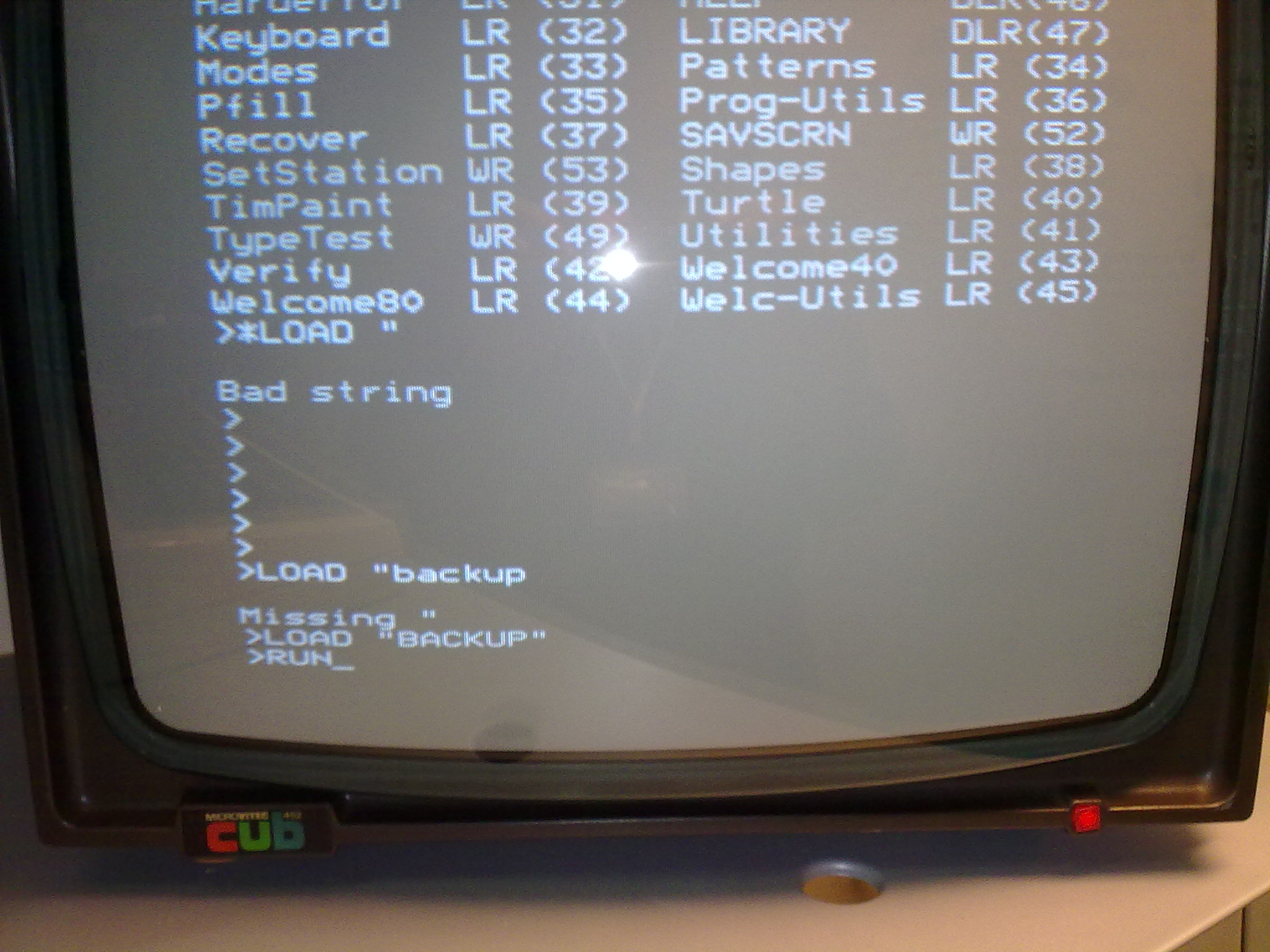
*LOAD "BACKUP"
*RUN
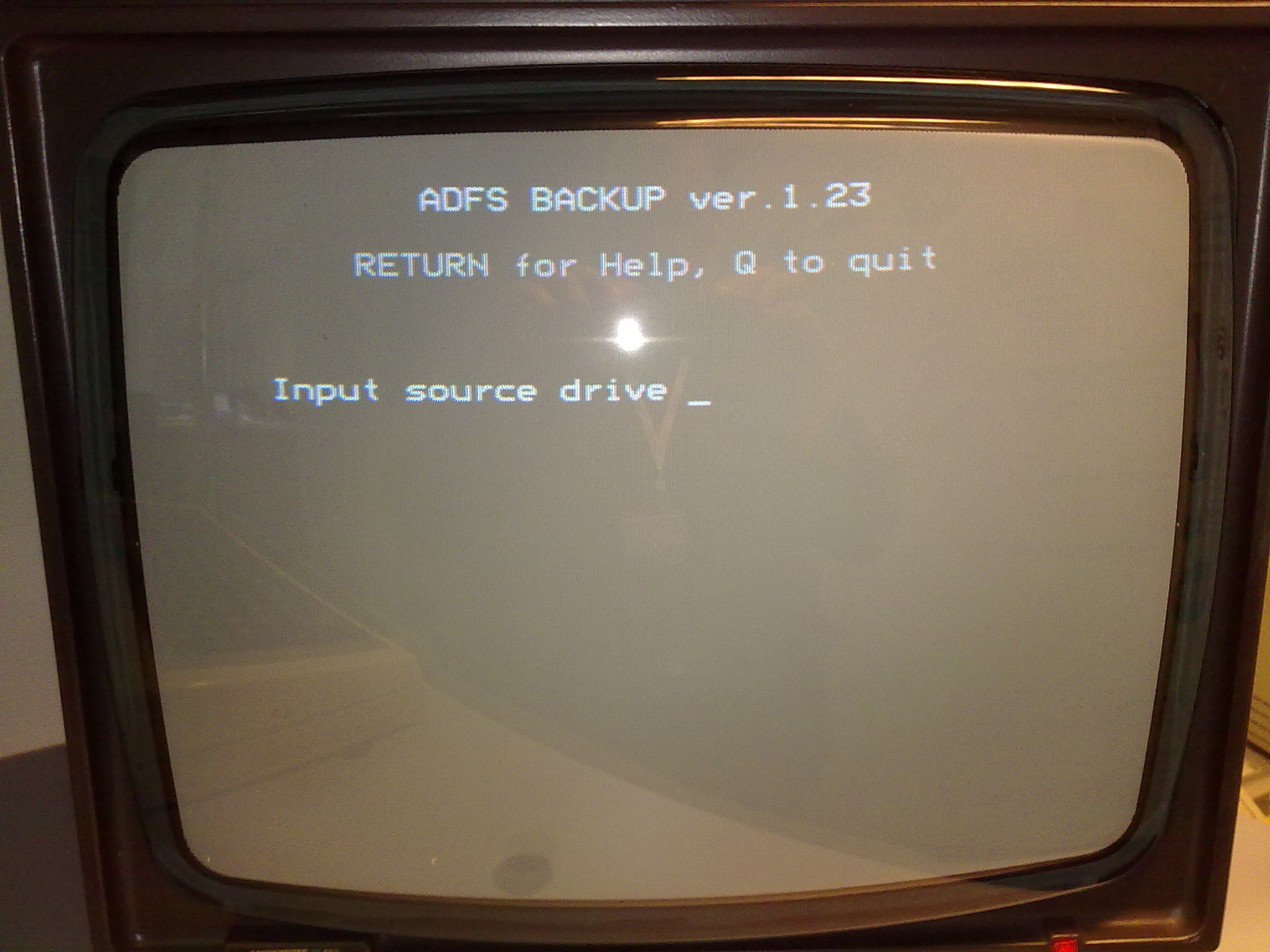
Fig. 5 Screenshot: ADFS BACKUP 1.23#
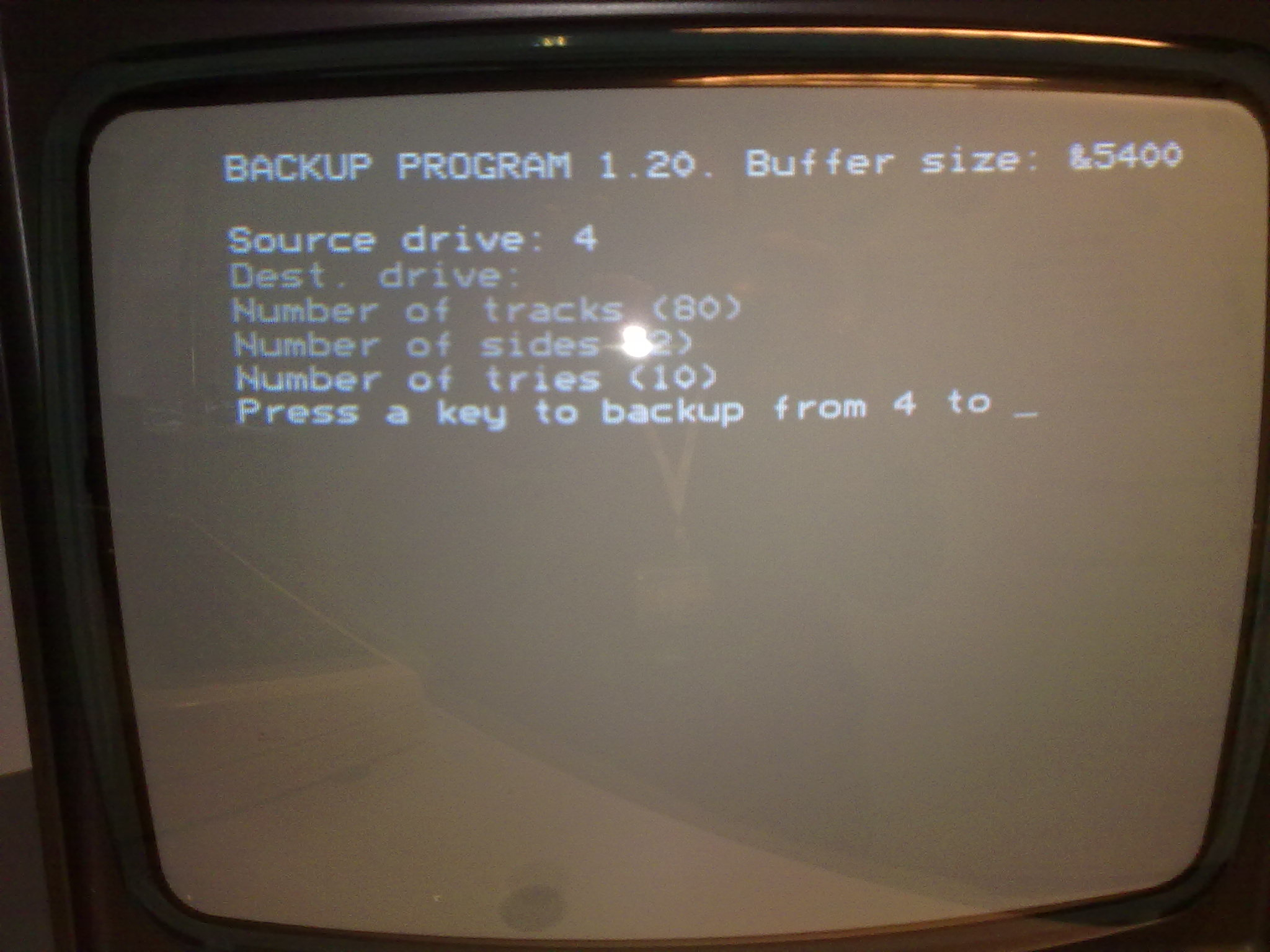
This screenshot is indicative of the terse prompts that many pieces of old software supply, and working out the right answers required a lot of experimentation. Even then, we could not get this ADFS BACKUP program to work as we expected, and we ended up transferring over the 1.20 version of BACKUP we had found on the web. It’s not clear what the problem was, but it seems reasonable to assume ‘ADFS BACKUP’ cannot read DFS disks, while BACKUP appeared to be able to read both types of disks while running under ADFS.
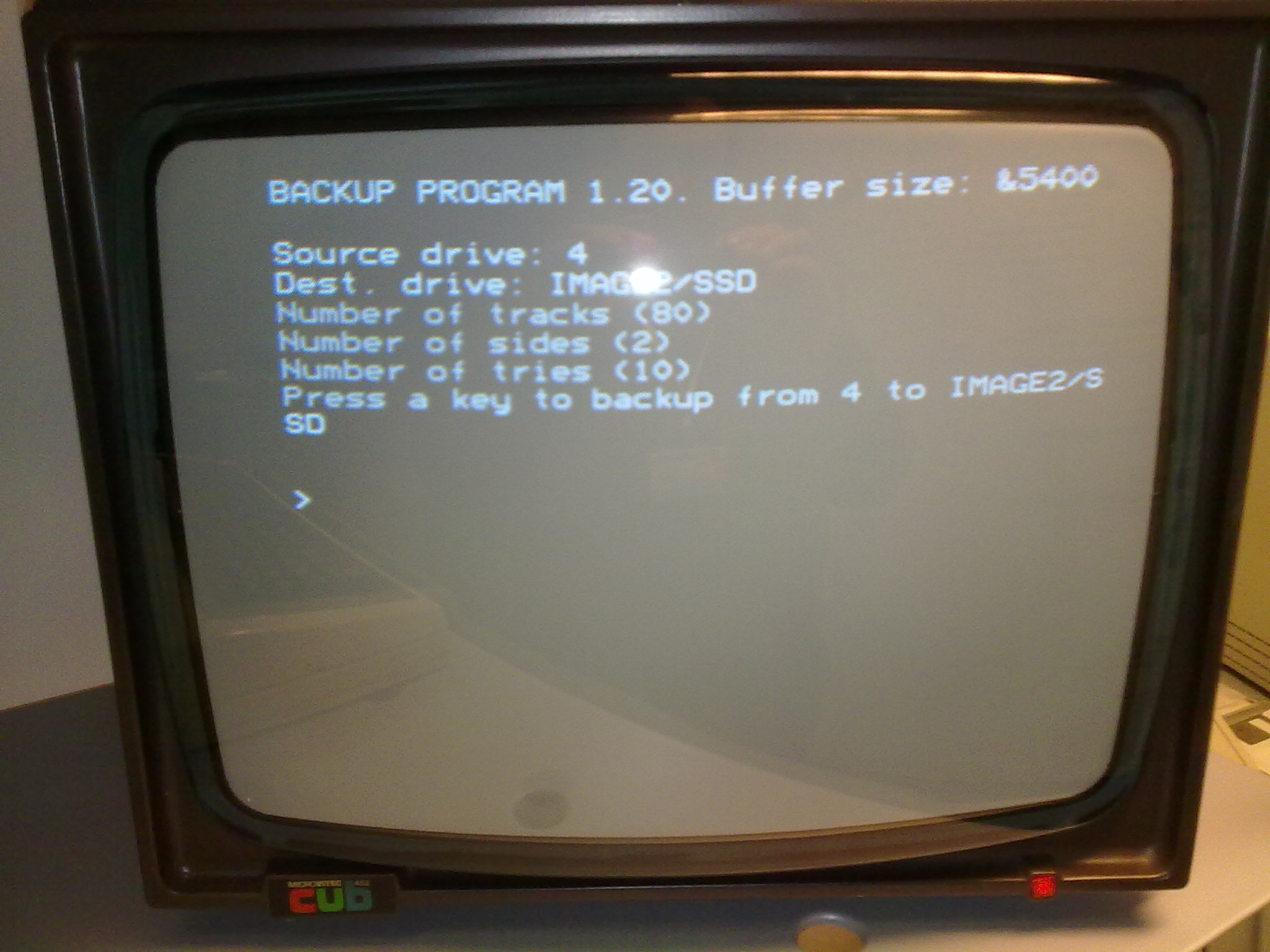
Fig. 6 Screenshot: BACKUP PROGRAM 1.20 - Press any key…#
It wasn’t clear if the disk was a 40 or 80 track disk, so we had to guess. Nervously, I typed ‘80’, ran the program, and listened as the the drive chugged away, producing a noise that filled me with nostalgia.
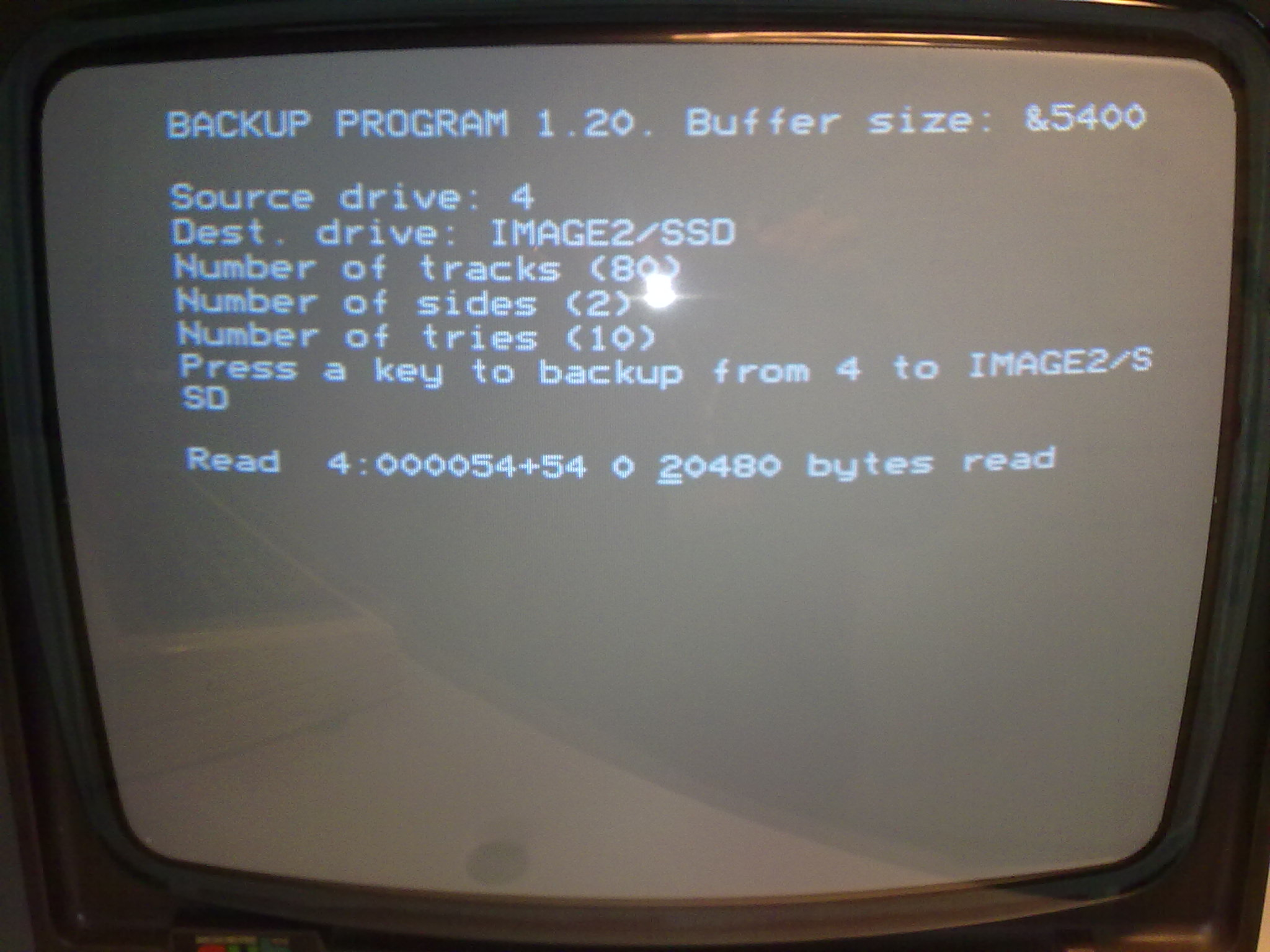
Fig. 7 Screenshot: BACKUP PROGRAM 1.20 - Mid-backup…#
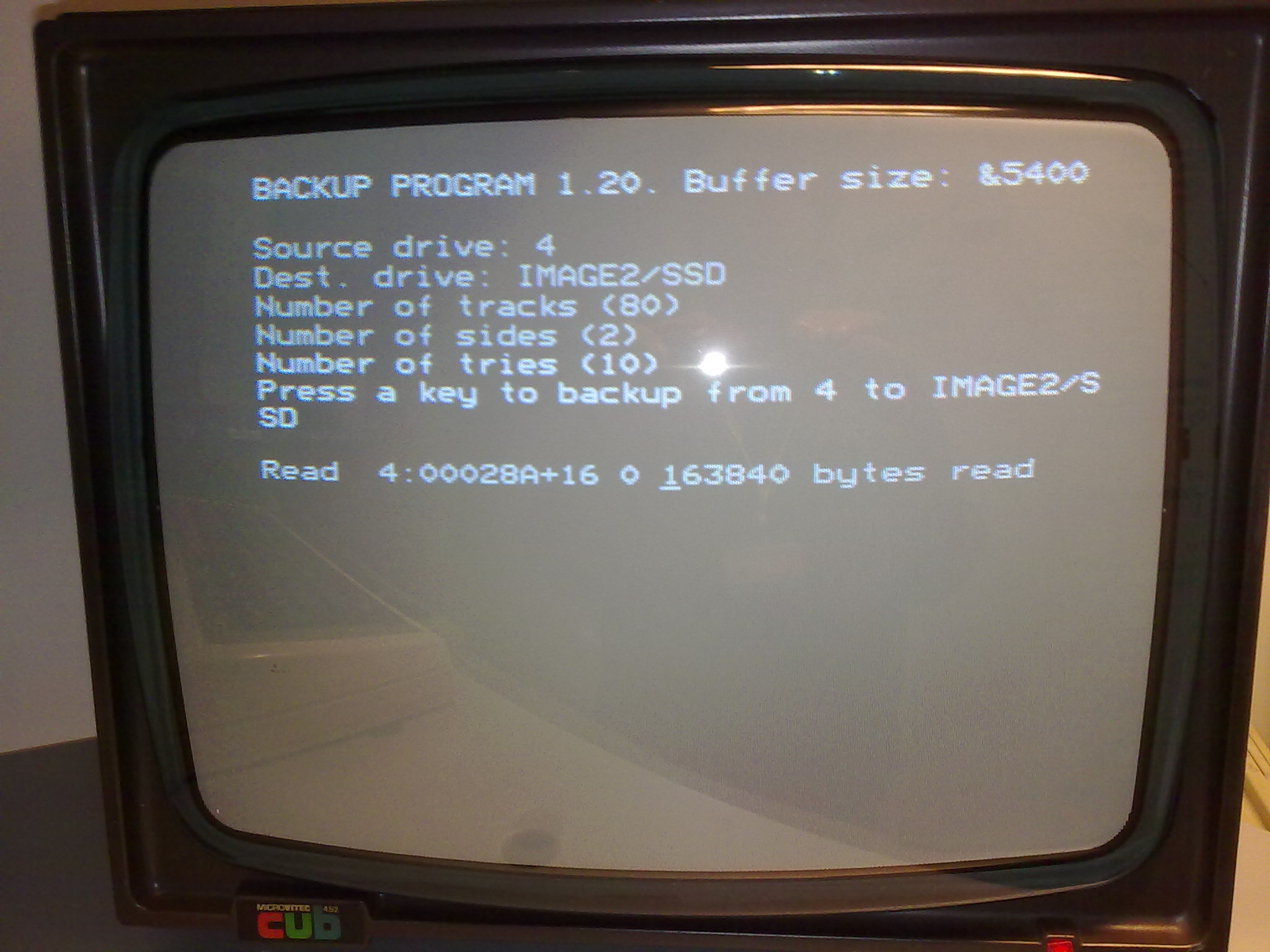
Fig. 8 Screenshot: BACKUP PROGRAM 1.20 - Mid-backup…#
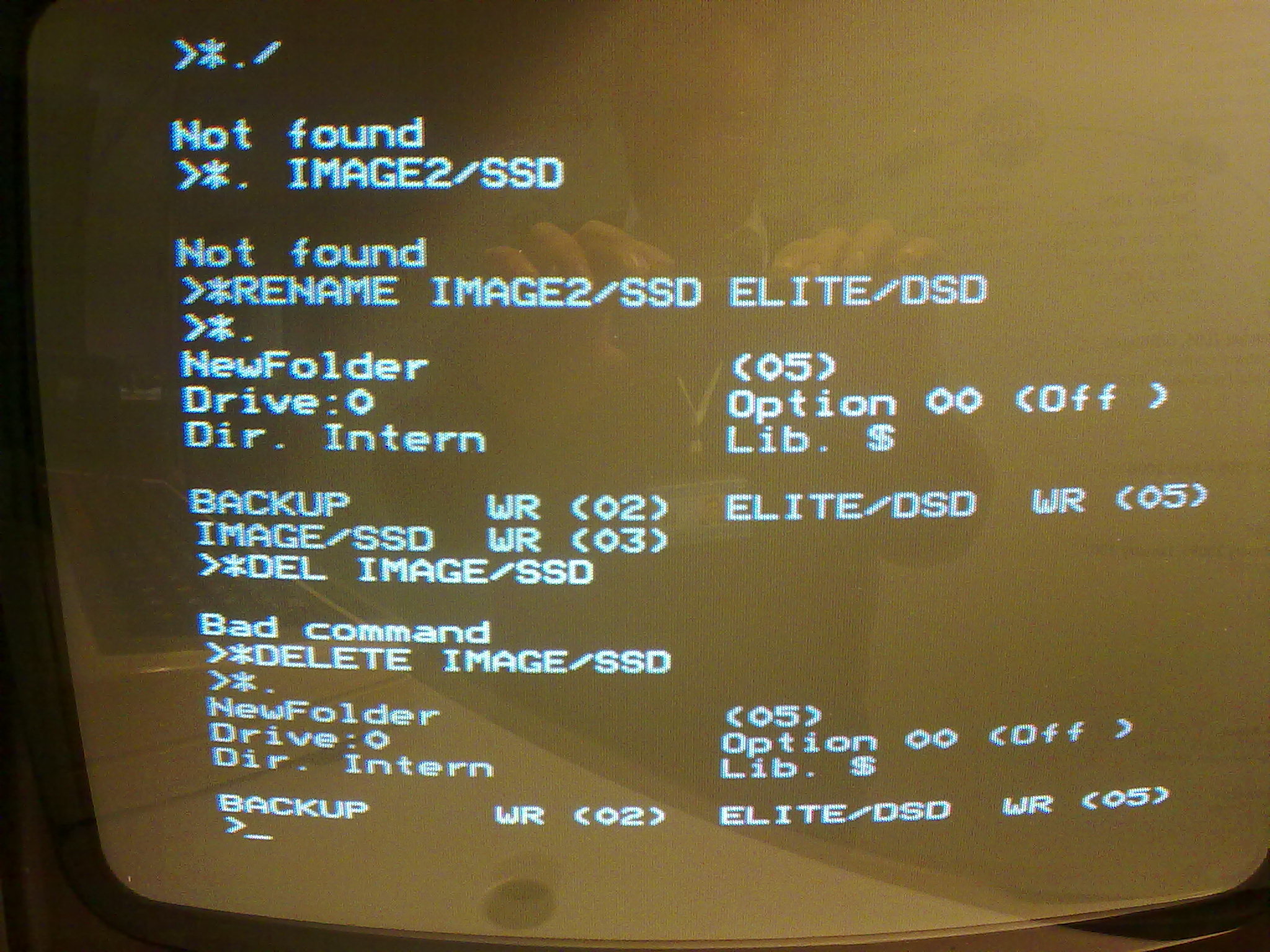
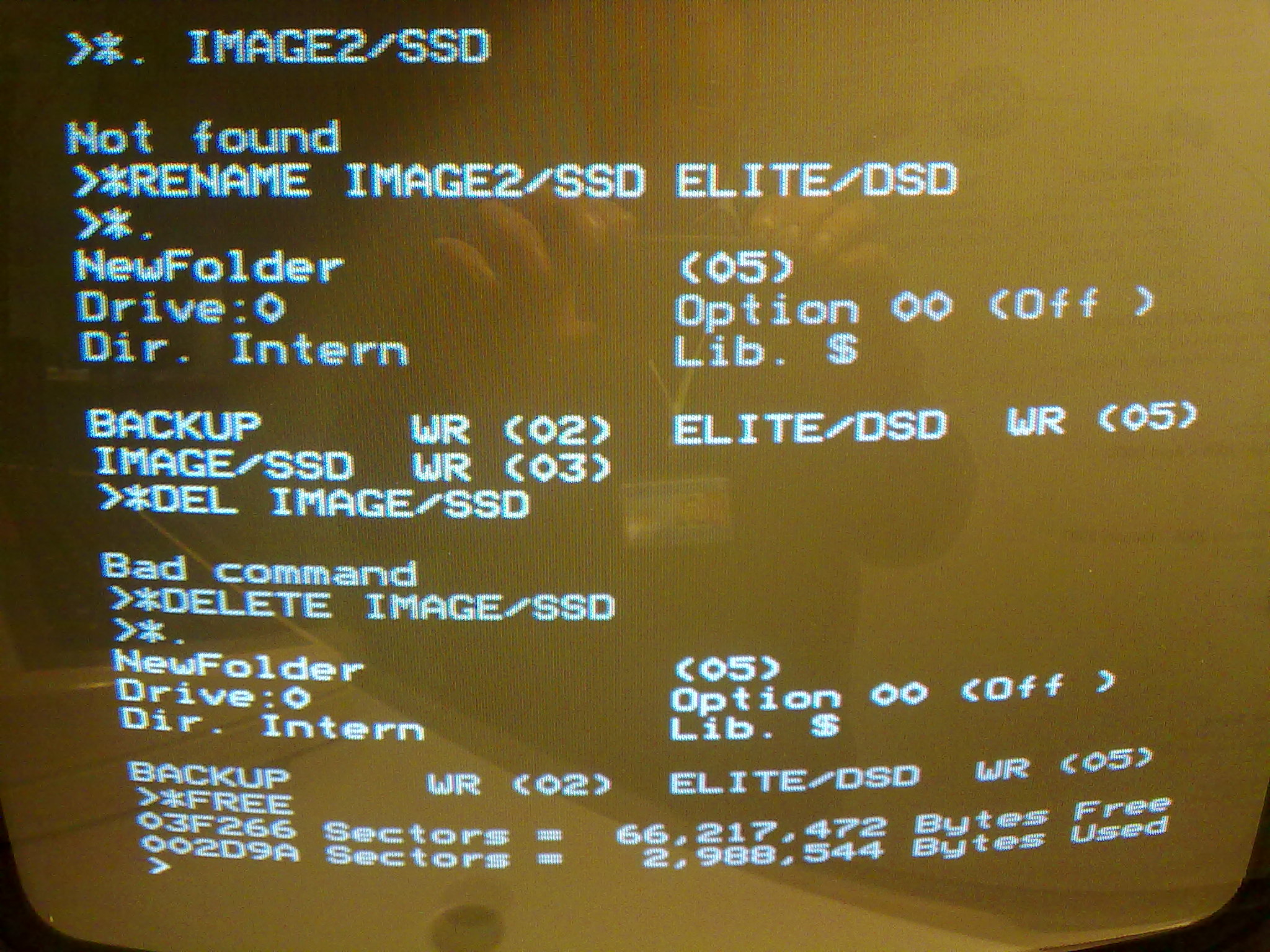
A few moments later, success! The BACKUP program exited, and we could check how much free space we had, and see the new floppy disk image file we had created.
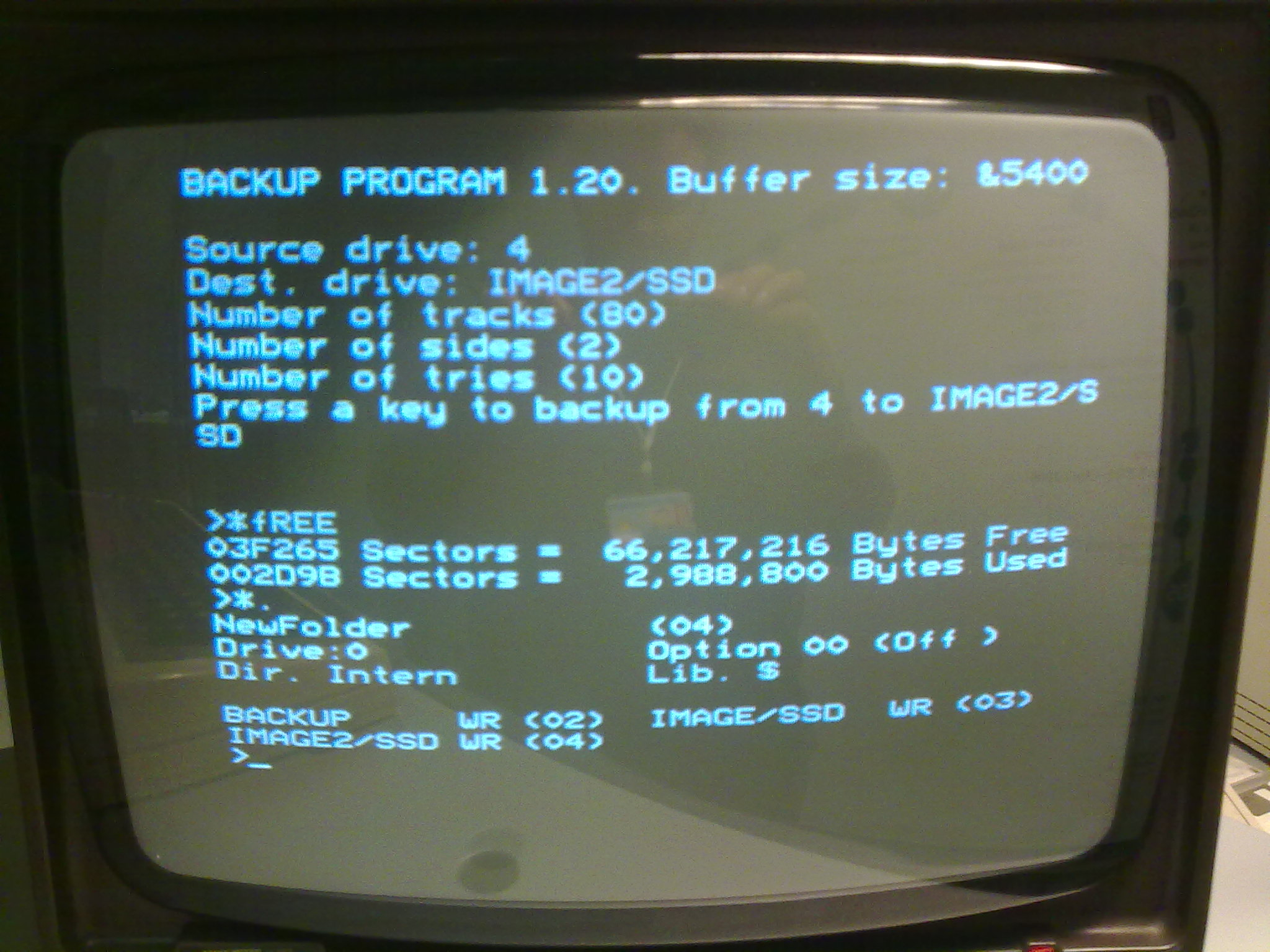
Fig. 9 Screenshot: BACKUP PROGRAM 1.20 - Post-backup…#
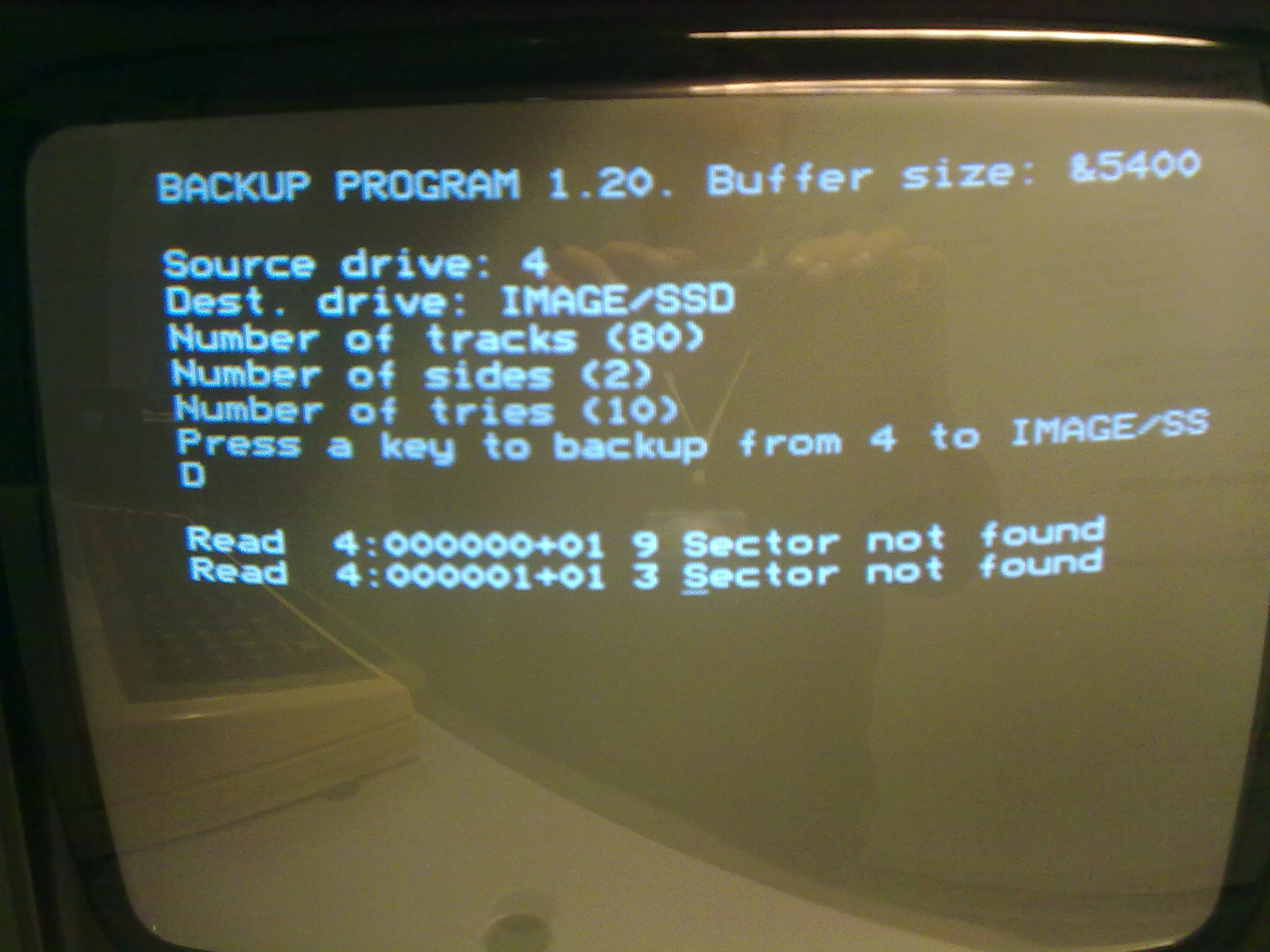
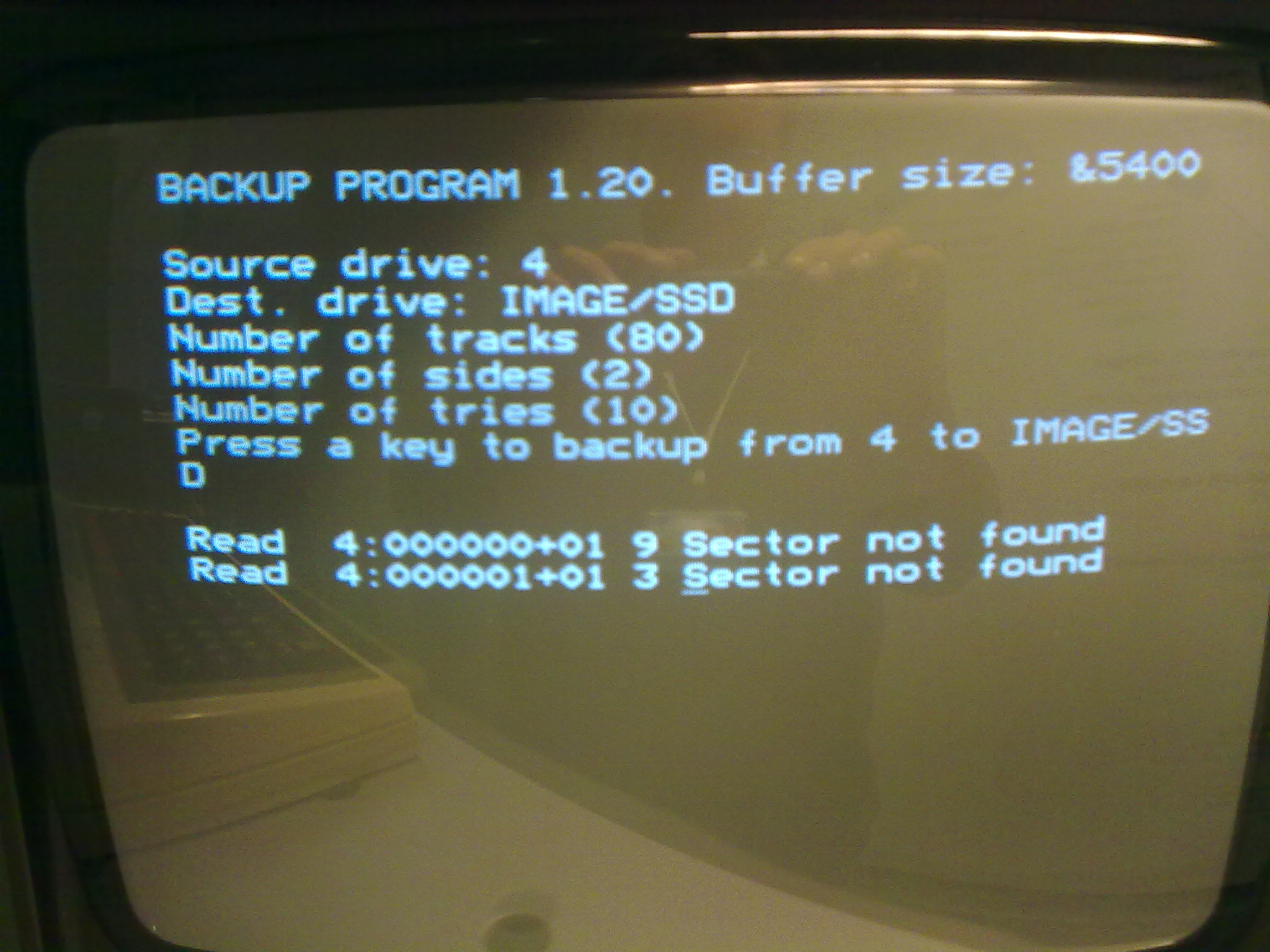
A few of the disks had errors (which looked like this), but we were able to image almost all of the disks.
Migration#
At this point, we had a floppy disk image on the CompactFlash drive, and could take it our and transfer it to a PC. Of course, it wasn’t as easy as that makes it sound.
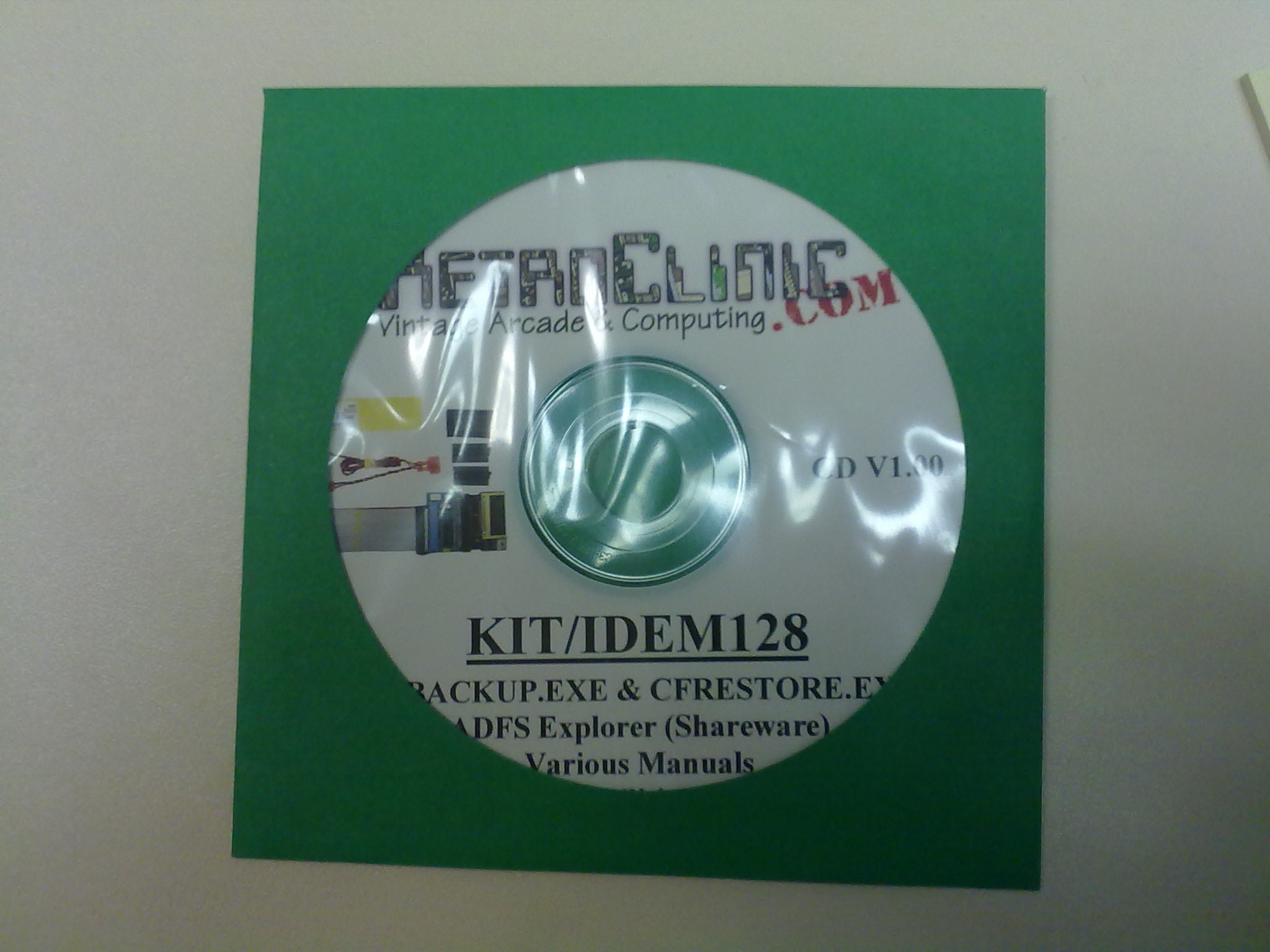
Unfortunately, Windows does not recognise the ADFS disk format and so every time we inserted the CF card into the USB card reader, we were invited to reformat the disk and overwrite our data. To access the data, the CF disk itself had to be imaged, i.e. in order to copy over the floppy image, we had to image the CompactFlash card, using a disk image inside a disk image to complete the transfer. The IDE kit came with a software package designed to help with this, called CDUTILS_V100, containing the CFBACKUP and CFRESTORE tools. A carefully typed:
C:\> CFBACKUP h C:\CF.DAT
…and a binary image of the CompactFlash disk in drive H: is cloned into the file C:\CF.DAT, and we’ve managed not to overwrite the contents of any other devices (which can happen if you get the syntax wrong, particularly for CFRESTORE which we needed to use when transferring files to the BBC).
That raw CF disk image is still little use on it’s own, and must be read using ADFSExplorer (which as of version 2.0.0 was rather buggy - disk image updates don’t really work, full extraction and image rebuild was needed to add files to the images - but 2.2.0 is now available so hopefully these issues are resolved). This last layer allowed us to pull the floppy disk image files out of the ADFS file system and onto the native Windows NTFS.
Finally, we had the floppy disk image on the PC, and we could hook it up to a suitable emulator (like BeebEm or B-EM) and explore the contents.
Emulation#
Except it didn’t work.
Basic disk operations seemed to work at first, and the file listings looked okay, but when booting the disks, the system kept failing mysteriously. Did something go wrong along that long chain of migration? Or was the condition of the disk itself the problem?
Fortunately, we had a few other disks we were willing to use for experimentation, including an official Elite floppy disk (which, as it’s such a well known program, can act as ‘ground truth’ against which our experiences could be benchmarked). Elite appeared to run perfectly on the BBC itself, but the cloned floppy disk image failed consistently. Our ‘ground truth’ image had ruled out floppy disk decay, but we had no idea which of the other parts of the long chain to access might have failed.
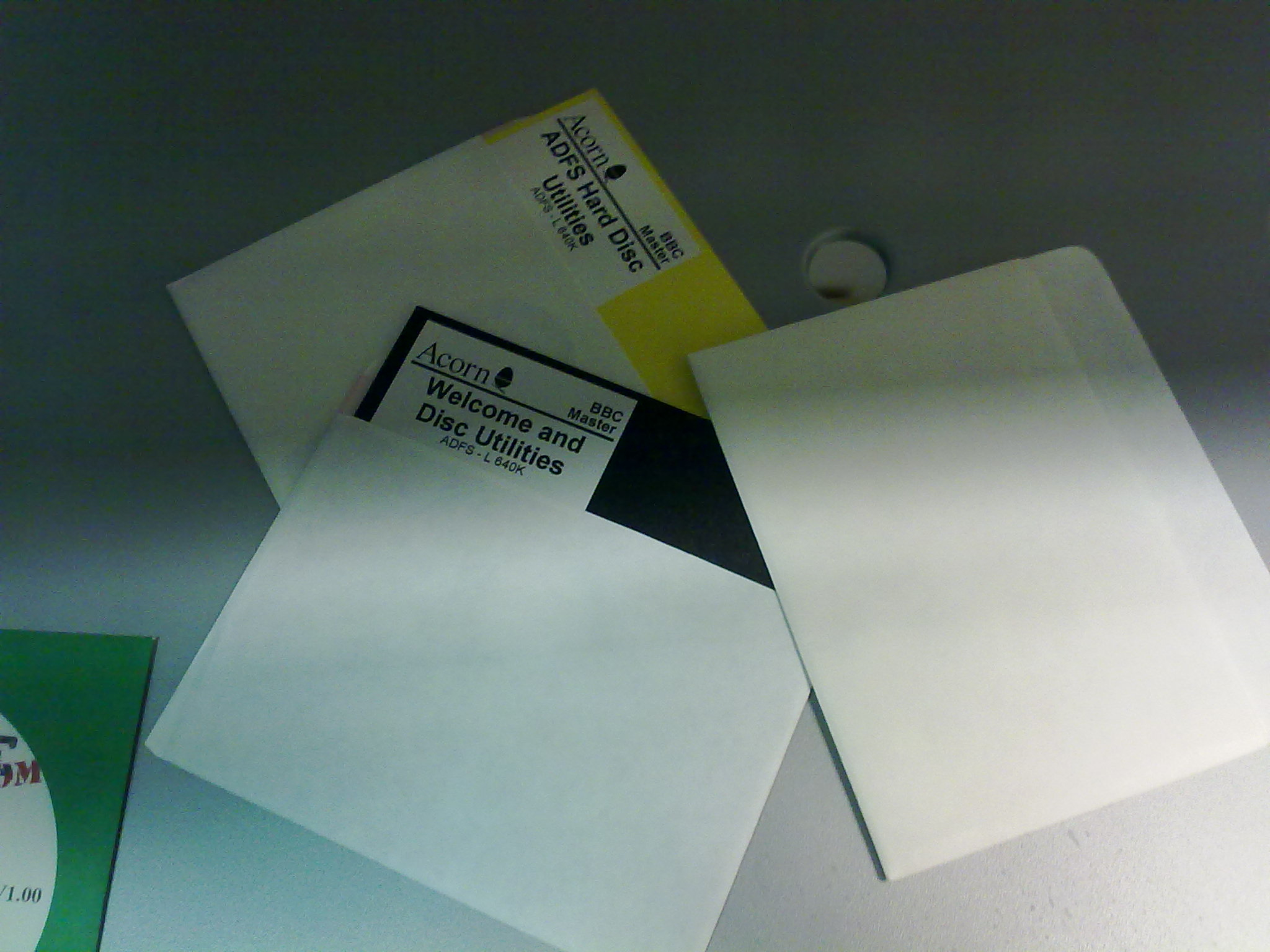
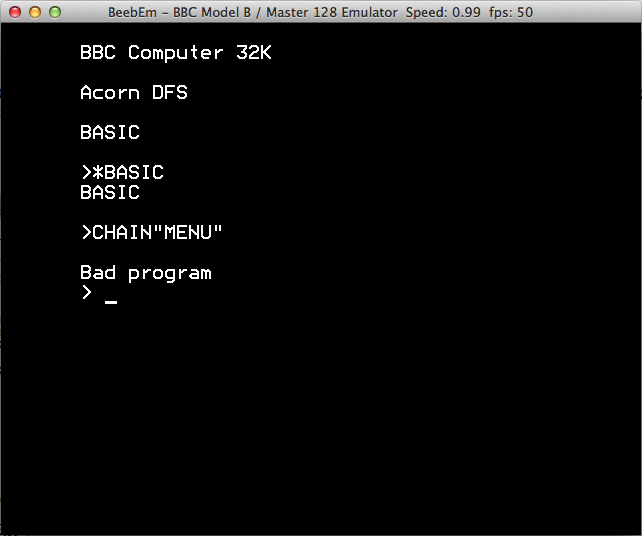
Fig. 10 Screenshot: Elite failure.#
We were stuck.
One More Lucky Guess#
Some months later, after more searching and reading, I found these hints that disk images are sometimes interleaved, on 20 bytes boundaries. i.e. when accessed from an emulator, disk images will not work as expected if the data from one side of the disk is not sliced up and interspersed between the data from the other side. Perhaps BACKUP copied the right data, but arranged it the wrong way.
Guessing that this might be the issue, I wrote a small Java program that would re-interleave the data (mistakenly calling it ‘interlace’ rather than ‘interleave’). The guess paid off, and Elite booted at last.
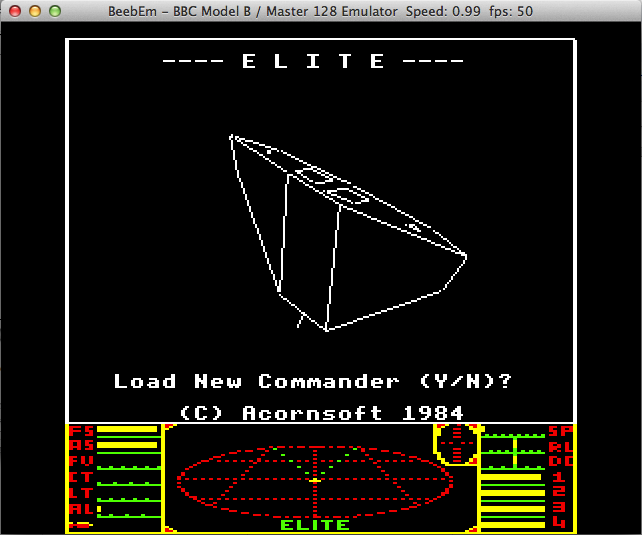
Fig. 11 Screenshot: Elite success!#
Finally, we could open up the disks we had been given in the emulator. They did indeed appear to contain ViewStore data, although as we did not have a copy of ViewStore to hand, we could not verify this ourselves. However, we passed the floppy disk images back to the original owner and they appeared to be happy with our efforts and able to access the data themselves.
Summary#
Although successful, our final workflow leaves a lot to be desired:
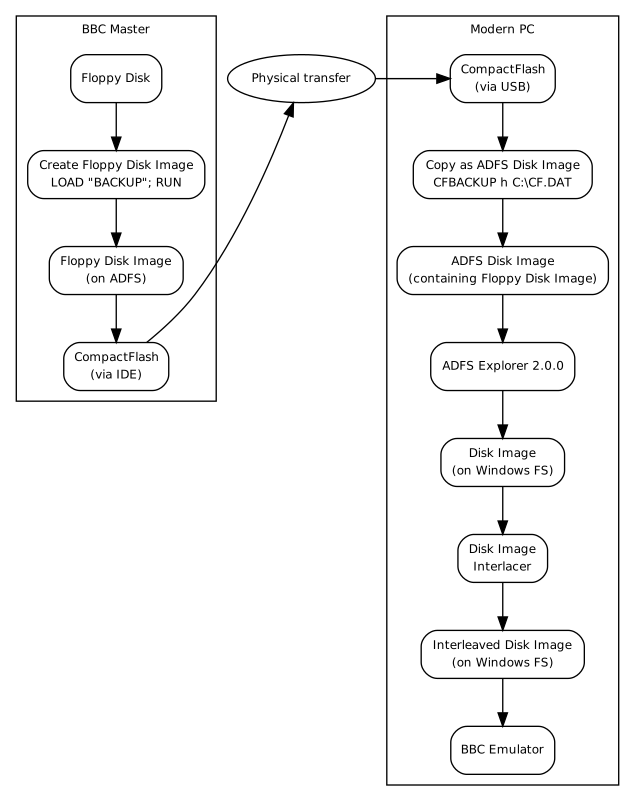
Fig. 12 BBC Workflow - Level X#
Indeed, since this project was carried out, far superior approaches have become well known. PC-based disk imaging solutions (e.g. Kryoflux, among others) provide much safer and simpler ways of imaging floppy disks.
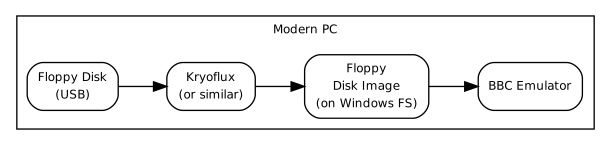
Fig. 13 Kryoflux Workflow#
Of course, having the original hardware around can be very helpful, especially when it’s not clear that and emulation is behaving correctly, but PC-based disk imaging means that it’s no longer an absolutely necessity. We’ve not experimented with Kryoflux, but presumably the accompanying software also knowns to interleave the disk image data. If not, let’s hope Google leads people here.
Appendices#
Switching between operating systems & drives#
In common with most computers of this period, the computer starts up at the BASIC interpreter command line. Unlike most computers of the age, it also has another set of commands that allow lower level access and direct file manipulation (as opposed to the application-oriented BASIC). These are called star commands, as the are all invoked from BASIC by using the asterisk ‘*’ prefix. Very, very roughly speaking, using Star commands is a bit like running commands at the DOS prompt. Also, unlike other systems, the OS and other built-in software is held on ROM chips, so cannot be damaged or modified by the user.
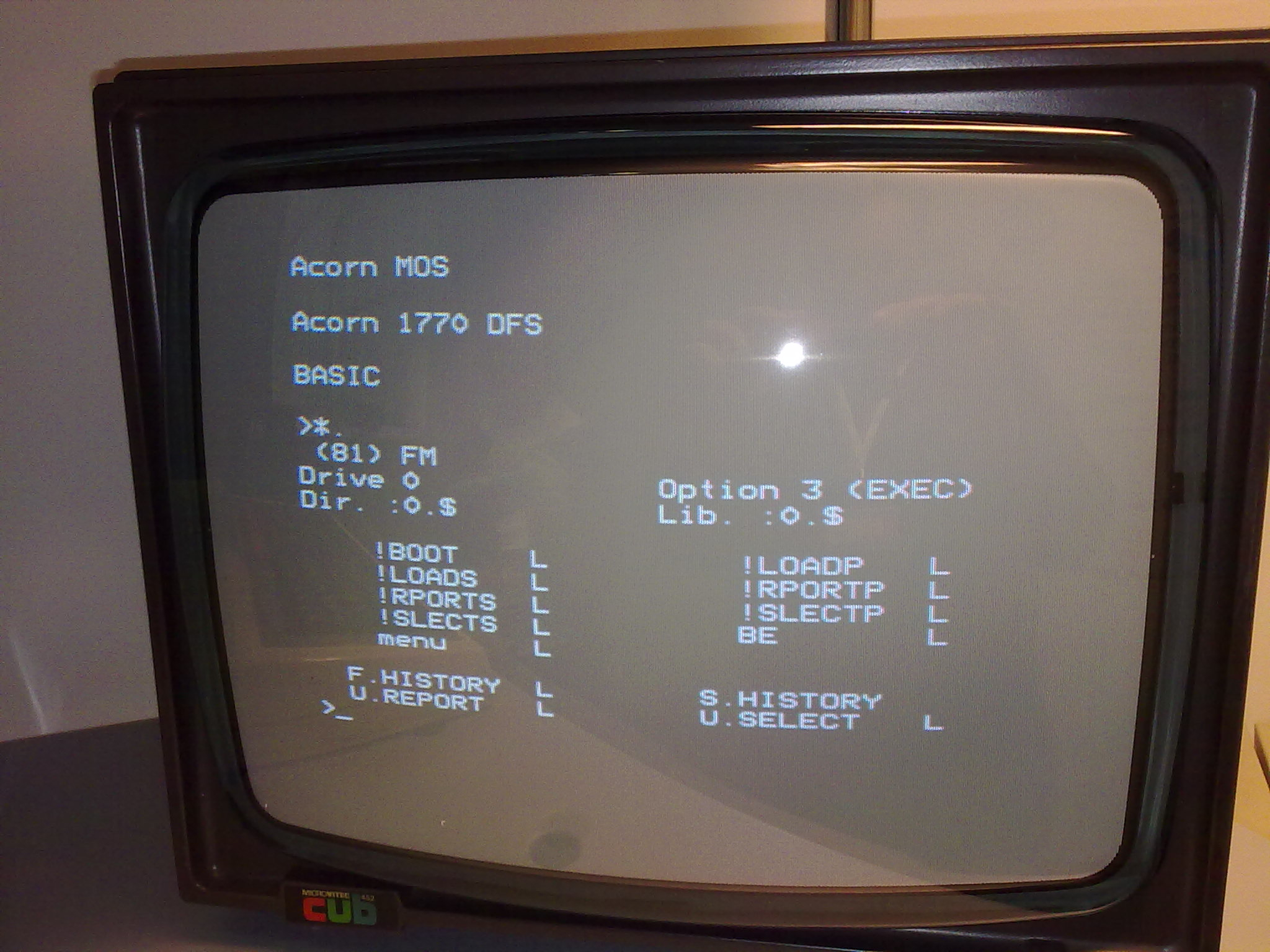
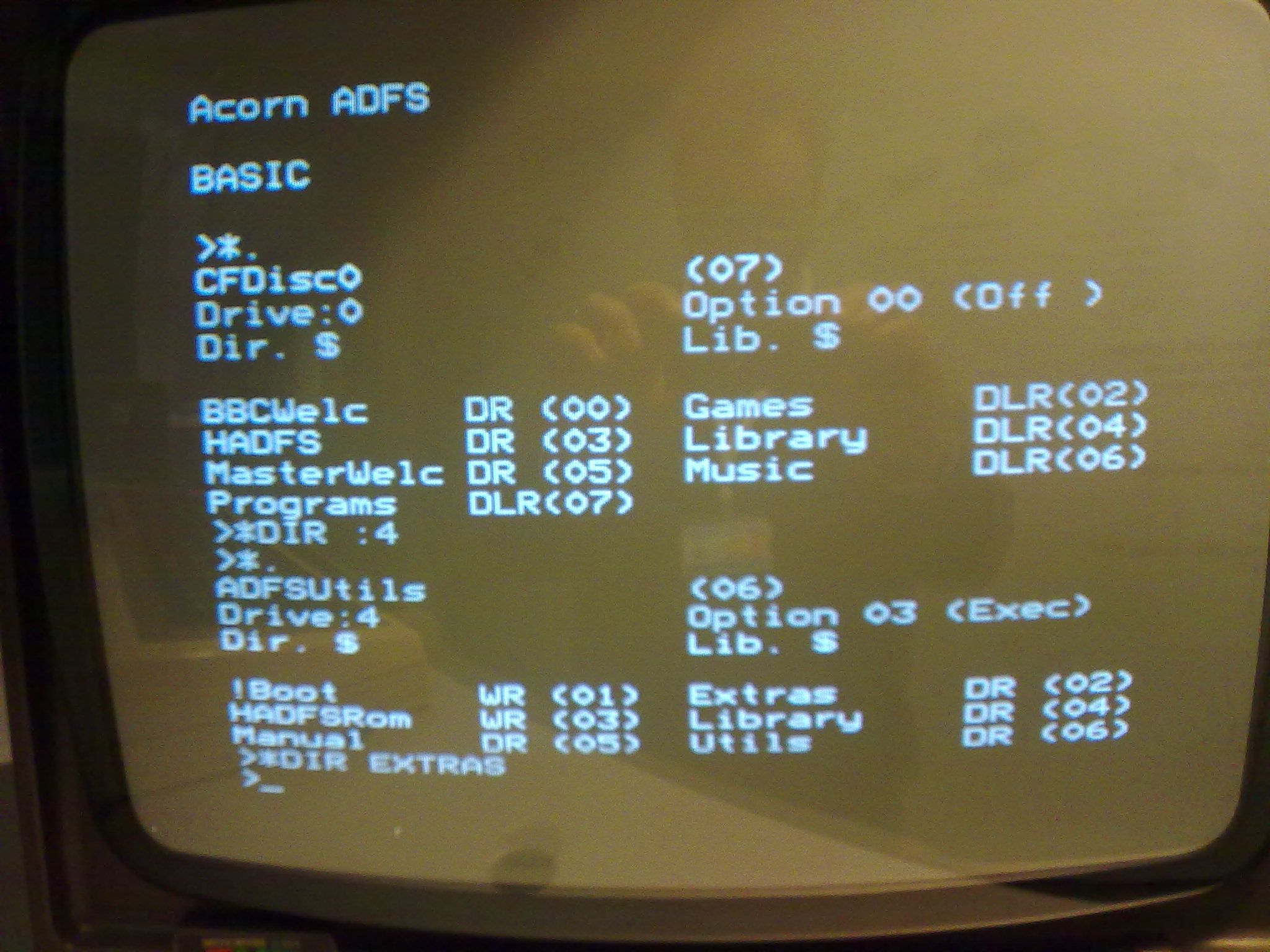
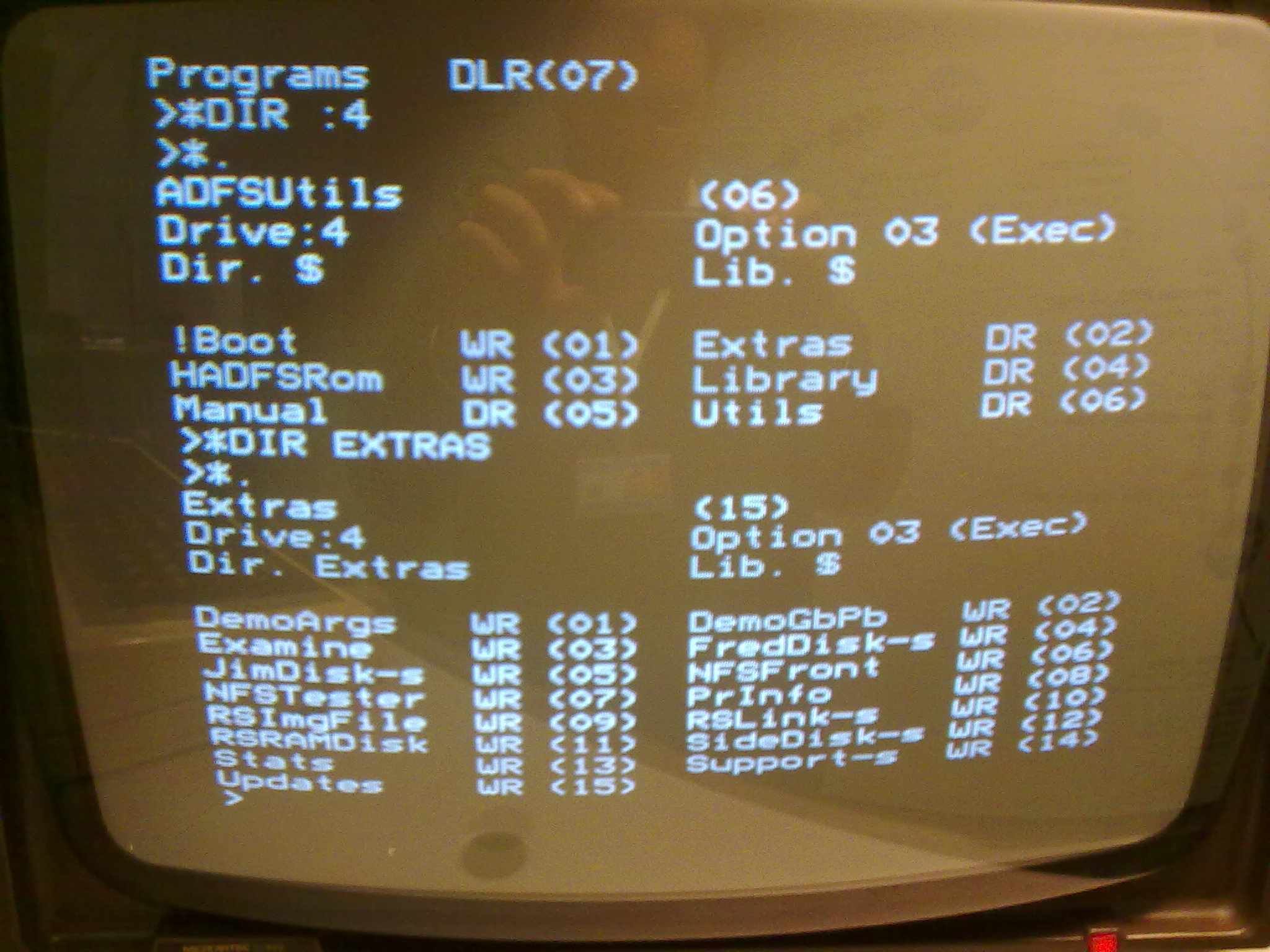
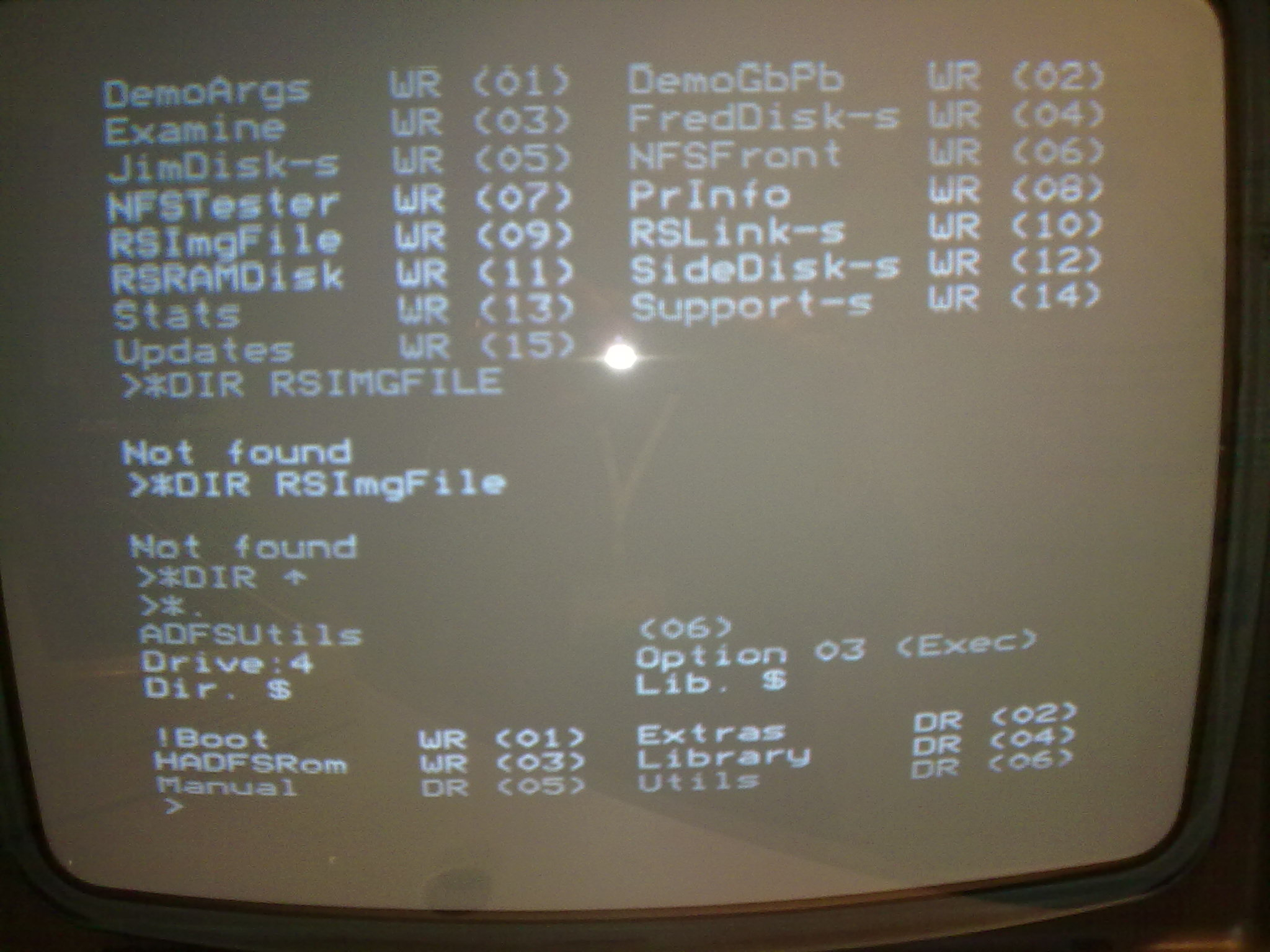
Two operating systems are included on the ROMS of our main BBC Master, the older DFS and the newer ADFS. You can switch between them, and this is necessary as DFS discs can only be accessed directly from DFS, and the same for ADFS. If you try to access a disc from the wrong OS, then you’ll get at least a disc error, and the machine may even hang and require rebooting.
Note also that the physical drives have different identities in the different operating systems. In DFS, the floppy drive is drive 0, and the CF drive is drive 4 but cannot be accessed
*DISC
*DRIVE 0
*.
Will list the contents of the DFS floppy in the drive. Under ADFS, the CF drive is the 0 drive, and the floppy drive is drive 4.
*ADFS
*DIR 0:
*.
Notes from the owner#
The discs came with this accompanying message:
An interesting oral history project at the school, as part of a Disadvantaged Schools Programme, was developed in 1982 which received funding and gradually the children, parents and teachers at Lee St combined with other schools and organisations in the area to develop a local history catalogue of historical material stored throughout the suburb and in peoples’ heads and cupboards. Over 3,500 items were catalogued. These included newspaper articles, oral history interviews with residents, photographs, dance programmes, the Carlton Association’s Building Register as well as school, church and community group records.During 1985-7 the catalogue was compiled by people who were out of work and employed in the Community Employment Program.
Each of the 4 primary school involved had BBC microcomputers with modem and communiication software, the Melbourne City Council bought one for the Carlton Library and these were all linked into the BBC system of networked computers at Princes Hill Secondary College. A hard disk was bought to allow sufficient storage.
The data package used was called Viewstore, which was apparently user friendly, as it had instructions on screen: type in a letter and type in the subject wanted and follow the instructions on the screen. It was designed for school children and community members to use easily and to add material…Apparently there were 4 updatable indexes maintained, sort fields were unlimited and up to 40 megabytes of information could be stored. There were label and report utilities and links could be made to a word processor. Subject headings were prepared according to the ASCIS cataloguing system and catalogue card could be printed for the card system in the library.
The headings were author, title, publisher, place of publication, source, date of publication, illustrator, photographer, subject, time period, format, location, identity number, available for loan?,number of copies.
Image Gallery#
Hardware#
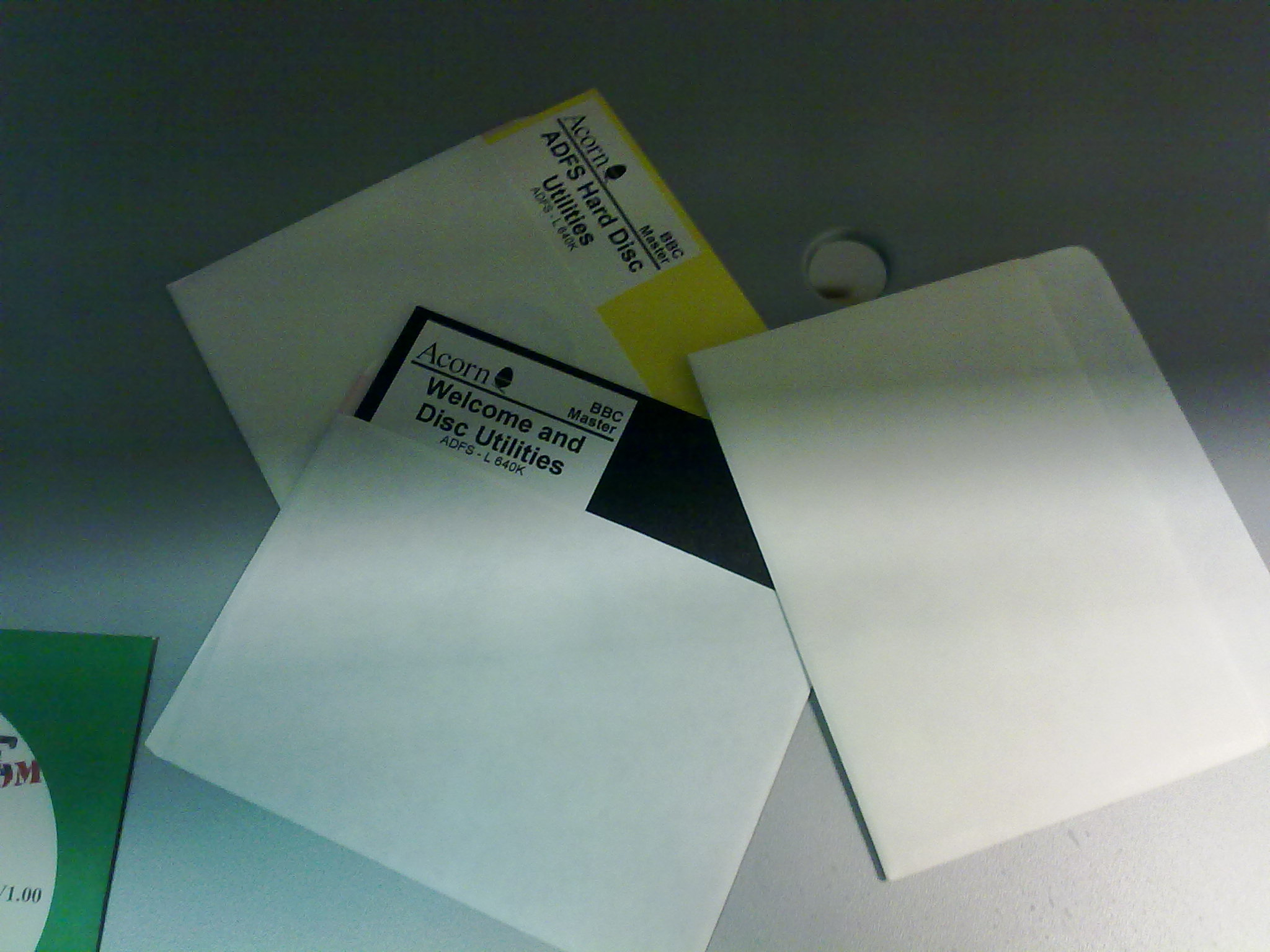
Screenshots#